

Time Management Tools for Parents – A Comparison 2025
Home life can get busy fast and every family handles it in their own way. Some look for simple planners you can print in minutes. Others want a calendar that updates everyone at once or a safe spot for kids to learn and play. There are tools that organize chores and meals or help parents track spending and goals. When days are packed and plans change often the right system can bring a little peace and order. Curious which one fits your routine and values best? Each option brings something unique to the kitchen table and the tablet. Keep reading to discover which style speaks to your family.
Table of Contents
It’s A Southern Life Ya’ll —About Us…..
We are a values-driven platform that equips busy families with straightforward, actionable tools to organize home life, money, and time. The site blends practical planners and worksheets with community support and a gentle Southern charm, making productivity feel approachable instead of overwhelming. Bottom line: if you want simple systems that actually stick, this is a smart first stop.
Core Features
Our platform provides a free finance and self-care planner that includes budget worksheets, goal-setting templates, and progress tracking, along with workbooks and journals tailored for financial independence. It also hosts resources for building wealth — budgeting, saving, debt paydown, and investing — plus an active online community and a blog filled with tips on self-care, simplifying life, and productivity. Everything is designed to be downloadable and immediately usable, so you can start organizing your home and finances in one afternoon.
Who It’s For
This platform is ideal for individuals and families who want to simplify their daily routines, get serious about budgeting, and build long-term financial independence without complicated systems. It’s especially well suited to readers who prefer printable planners and community-based accountability over subscription-heavy apps. If you value practical, low-friction tools that fit into family life, this is for you.
Unique Value Proposition
Transform your home and life with proven organization hacks, productivity tips, and simple living strategies. Get decluttering solutions, time management tools, home management systems, budgeting systems, and blogging advice to create your most efficient lifestyle. Perfect for busy families seeking work-life balance and peaceful, organized spaces.
Cozi Family Organizer
At a Glance
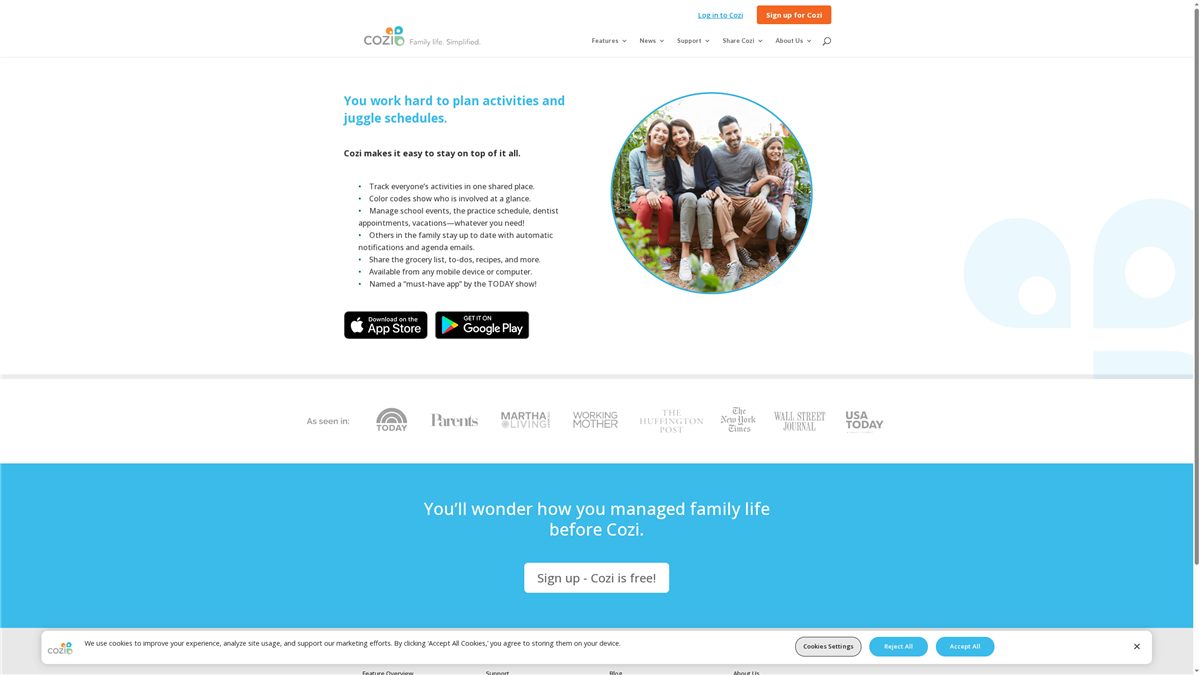
Cozi Family Organizer is a straightforward, family-focused app that centralizes shared calendars, lists, and family notes to keep everyone coordinated. It’s free and accessible on mobile devices and computers, making it an easy first step for households that want one place for schedules, grocery lists, and recipes. The bottom line: if you need a no-frills, reliable family hub that sends automatic notifications so no one misses an activity, Cozi delivers. It’s not for families who need advanced offline or privacy-first features, though.
Core Features
Cozi centers on a shared family calendar with color coding so each person’s events are easy to scan, plus task and to-do lists that multiple family members can view and edit. Grocery list sharing and management syncs across devices so someone at the store sees real-time updates, and recipe sharing helps keep meal plans in one place. Automatic notifications and daily agenda emails alert family members to changes and upcoming events, helping reduce last-minute confusion and double-booked schedules.
Pros
- Free to use: Cozi’s core functionality is available at no cost, lowering the barrier for busy families to get organized.
- Accessible on any mobile device or computer: You can check the calendar or add an item from a phone, tablet, or desktop, which fits how families actually move between devices.
- Helps coordinate family schedules and activities: Shared, color-coded calendars make it simple to spot conflicts and plan around everyone’s commitments.
- Shares lists and recipes easily: Collaborative grocery lists and a central place for recipes speed up meal planning and reduce duplicate shopping trips.
- Automatic notifications keep everyone up to date: Push alerts and agenda emails reduce the need for constant check-ins and ensure family members get timely reminders.
Cons
- Requires internet connection for full functionality: Real-time sync and notifications depend on being online, so features are limited when connectivity is poor.
- Some features may be limited in the free version (not specified): The product notes that certain capabilities are restricted without detailing which ones, which can leave families guessing whether they’ll need an upgrade.
- Privacy considerations with shared data: Because calendars, lists, and recipes are shared across accounts, families should be mindful about what information they store and who has access.
Who It’s For
Cozi is ideal for families looking for a simple, free, and accessible way to organize household activities and schedules. If you want one central spot to manage school timetables, sports practices, appointments, and grocery lists without a steep learning curve, Cozi fits that role. Busy parents who value convenience over granular privacy controls will appreciate its ease of use.
Unique Value Proposition
Cozi’s unique value is its family-first simplicity: a free, cross-device organizer that combines calendar, lists, and recipes with automatic notifications so families spend less time coordinating and more time doing. It trades advanced customization for ease and immediate utility.
Real World Use Case
A typical family uses Cozi to log school schedules, sports practices, doctor appointments, and shared grocery shopping lists so everyone can see what’s coming and who’s responsible. The daily agenda emails and color-coded events reduce morning chaos and make weekend planning faster.
Pricing
Free
Website: https://cozi.com
FamilyWall
At a Glance
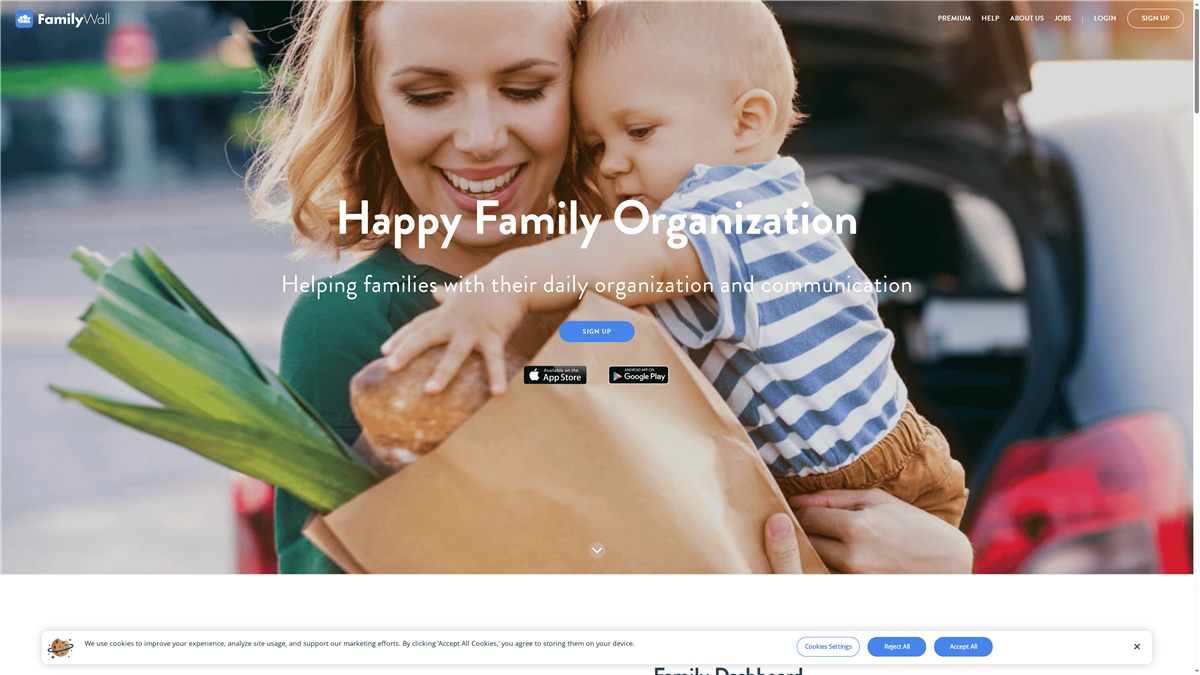
FamilyWall is an all-in-one family organizer designed to keep parenting logistics centralized and simple. It bundles a shared calendar, messaging, shopping lists, meal planning, expense tracking, media sharing, and real-time location into a single platform accessible on iPhone, Android, and desktop. For busy families who juggle activities, chores, and kid safety, FamilyWall aims to reduce friction and keep everyone on the same page. It’s comprehensive — but that breadth can feel like a lot to set up at first.
Core Features
FamilyWall’s core is built around shared family organization: a shared calendar to coordinate schedules and appointments; shopping lists and to-dos that update in real time; a meal planner for weekly menus and recipe sharing; and budgeting tools to track expenses with loved ones. It also supports private photo and video sharing, instant multimedia messaging, and real-time location tracking with safe-zone alerts to help you know where kids are. The app is available across iPhone, Android, and desktop, so you can check schedules or update lists from any device.
Short pause. Think.
Pros
- All-in-one functionality reduces app overload: FamilyWall combines calendar, messaging, lists, location, and media sharing into a single app so you don’t need multiple tools to run family life.
- Private and secure sharing for family groups: The platform emphasizes private sharing within family groups, which helps keep sensitive info and photos out of public channels.
- Real-time location and safety features: Built-in location tracking and safe-zone alerts provide an added layer of peace of mind for parents monitoring kids’ whereabouts.
- Cross-device accessibility: Being available on iPhone, Android, and desktop makes it easy for every family member to participate no matter their device.
- Easy to capture and share moments: The photo and video features let you keep birthdays, holidays, and everyday moments organized in one private place.
Cons
- Unclear pricing details: The provided information notes a free download but doesn’t specify which premium features exist or what they cost, making long-term expectations unclear.
- Potentially overwhelming feature set: Because it covers calendars, messaging, lists, budgeting, media, and location, some users may find setup and day-to-day navigation more complex than a single-purpose app.
- Limited information on support and performance: The available content lacks specifics about customer support options and app reliability, which can leave families uncertain about help if problems arise.
Who It’s For
FamilyWall is best for families who want a single, integrated hub for daily logistics — especially households with school-age children where coordinating schedules, meals, chores, and safety matters every week. If you want to replace scattered text chains, sticky notes, and separate apps with one private family space, this is aimed at you.
Unique Value Proposition
FamilyWall’s unique value is the breadth of features tied specifically to family life: calendar coordination, real-time location with safe zones, grocery and chore lists, meal planning, and private media sharing all in one private app. That combination is tailored to reduce the cognitive load of parenting logistics.
Real World Use Case
Imagine a family using FamilyWall to post the week’s soccer practices and dentist appointments to the shared calendar, update a live grocery list while a parent shops, plan Sunday dinners with the meal planner, split grocery costs in the budgeting tool, and receive an alert when a child exits a designated safe zone.
Pricing
Free tier available; additional premium features may exist but are not specified in the provided information.
Website: https://familywall.com
Curious World
At a Glance
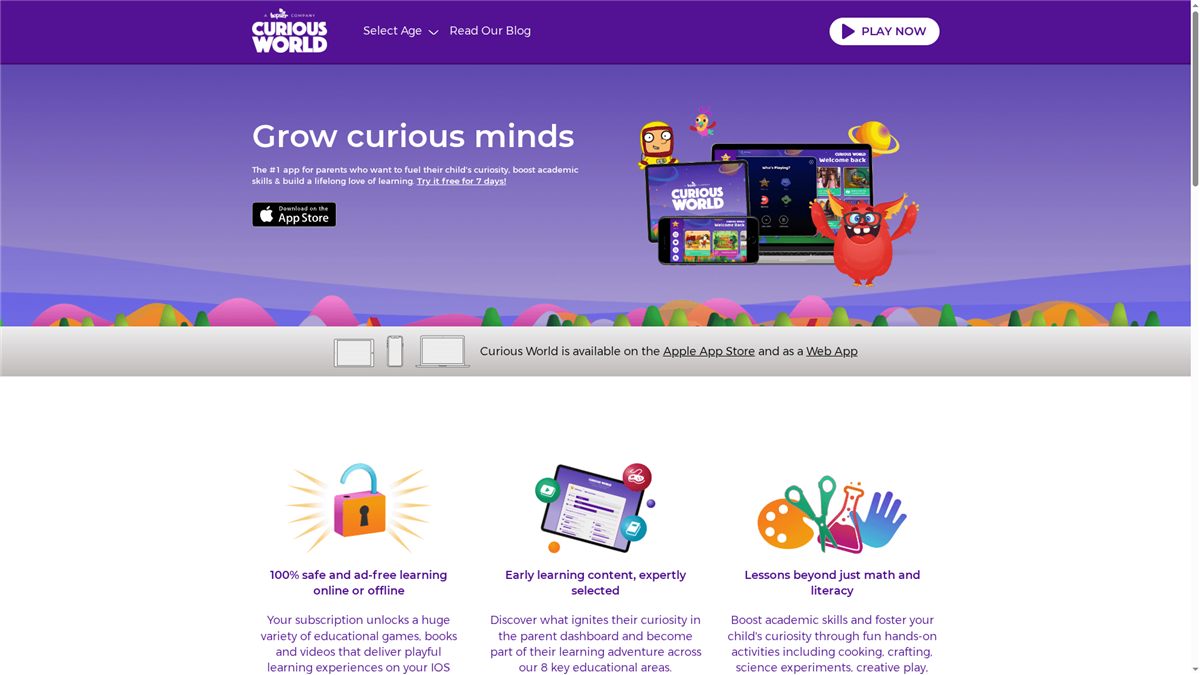
Curious World is an educational app aimed at children ages 2–7 that bundles videos, books, and games into a single, safe, ad-free environment. It supports personalized profiles for up to four children and works on iOS and as a web app, with offline access so learning can continue without an internet connection. For parents seeking structured, screen-based enrichment that complements early childhood learning, Curious World delivers a broad library of activities — though note the subscription model and a current temporary unavailability of the subscription service.
Core Features
Curious World combines multimedia learning — videos, interactive books, and games — across core areas like math and literacy plus hands-on topics such as cooking, crafting, science experiments, and creative play. The platform supports up to four individualized child profiles, tailoring content recommendations to each child’s interests and developmental stage. It’s available on iOS devices and as a web app, and it emphasizes a 100% safe, ad-free experience with offline options so parents can control screen time and content availability.
Short and simple.
Pros
- Safe and ad-free platform: Children encounter no advertisements, which reduces distractions and unwanted exposure during screen time.
- Personalized learning experiences: Up to four child profiles let you tailor content to each child’s age and interests, helping keep activities relevant as they grow.
- Wide variety of engaging educational content: The mix of videos, books, and games covers academic basics and exploratory activities, providing many ways for kids to learn and practice new skills.
- Availability on multiple platforms: Being on iOS and as a web app means you can switch devices easily and keep learning consistent at home or on the go.
- Activities designed to grow with the child: The content spans early preschool through early elementary skills, offering continuity as children progress.
Cons
- Subscription required for full access: Full content access relies on a paid subscription, which may not suit families who prefer free resources.
- Subscription service temporarily unavailable: At the moment the subscription service is not available, which creates uncertainty about access and continuity.
- Pricing may not be suitable for all budgets: Even with a free trial and annual discount, some families may find the cost prohibitive compared with other free or lower-cost options.
Who It’s For
Curious World is best for parents or guardians of children aged 2–7 who want a curated, safe digital learning environment that supplements preschool or early elementary learning. If you value ad-free content, individualized profiles for multiple children, and a range of activity types (from literacy to creative play), this app fits well into daily routines and screen-time strategies.
Unique Value Proposition
Curious World’s strength lies in combining a broad content library with personalized profiles and a strict ad-free policy, all accessible across devices and usable offline. That combination makes it a convenient, low-friction option for families who want reliable, parent-friendly digital learning without worrying about ads or complex setup.
Real World Use Case
A parent subscribes to Curious World to provide age-appropriate videos and games for a preschooler and a kindergartener, using separate profiles so each child receives targeted activities. They use the app during quiet afternoons and on car rides when offline playback is needed, supplementing the children’s preschool curriculum and keeping screen time purposeful.
Pricing
Starting at $6.39 per month after a 7-day free trial; Annual: $4.33/month billed annually at $51.99 (discount for the first 12 months).
Website: https://curiousworld.com
Trello
At a Glance
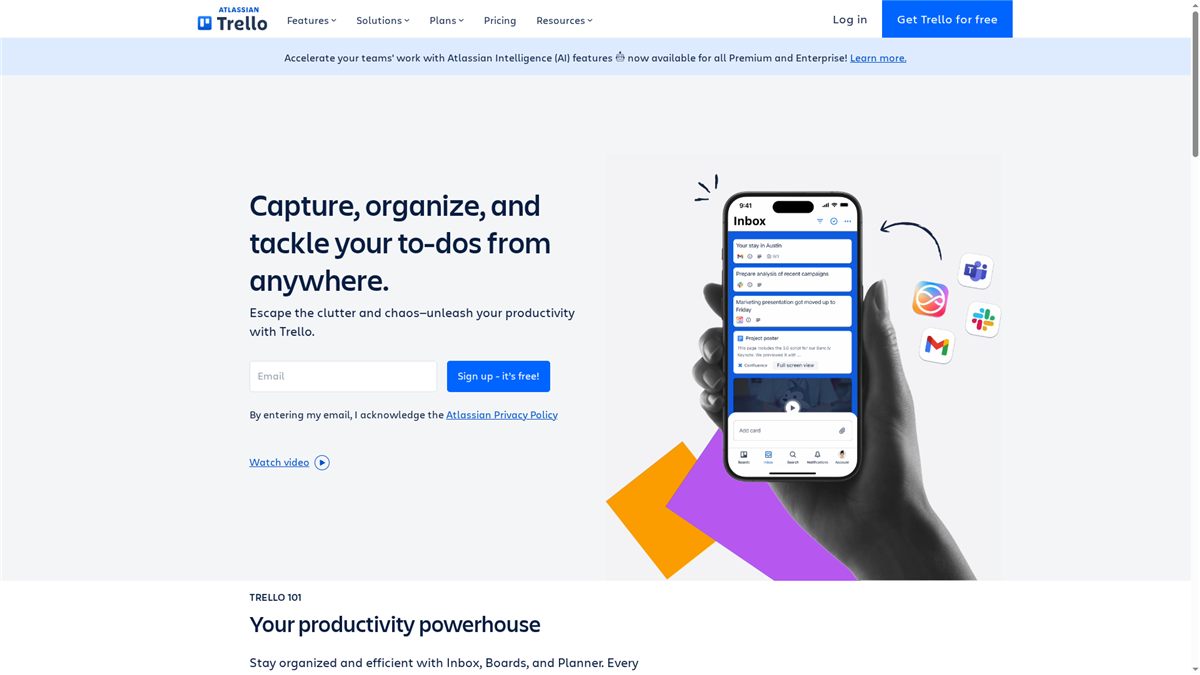
Trello offers a highly visual, board-based system that makes organizing family life and household projects feel manageable rather than overwhelming. Its drag-and-drop boards, lists, and cards map naturally to to-dos like meal planning, school projects, and weekend chores, so you get traction fast. Integrations and power-ups let you connect calendars and capture tasks from email or chat, while a free tier keeps entry barriers low. Simple to start, scalable as needs grow.
Core Features
Trello centers on visual task management with boards, lists, and cards that capture, organize, and tackle to-dos from anywhere. It supports integrations for email, Slack, and Teams to capture tasks without retyping, and connects with calendar and planner tools for scheduling. Power-up integrations let you add extra features and tools into boards and workflows, and a library of customizable templates—both from industry leaders and the community—helps you copy proven setups instead of building from scratch.
Pros
- User-friendly interface with ease of setup: The visual boards and card-based workflow make it intuitive to add tasks and organize family responsibilities without a long learning curve.
- Flexible and scalable for teams of all sizes: Whether you’re a single parent tracking doctor appointments or a multi-adult household coordinating schedules, Trello adapts to small or larger groups.
- Rich ecosystem with integrations and power-ups: Trello’s power-ups and integrations let you pull in calendars, messages, and extra features that extend its basic boards into a fuller system.
- Supports remote and distributed teams efficiently: Trello works equally well for co-parents, relatives, or caregivers who need a shared place to track tasks and handoffs.
- Offers a free plan for individuals and small teams: You can start organizing immediately with no upfront cost, which is ideal for families trying a tool before committing.
Cons
- Some advanced features are locked behind paid plans: To unlock more power-ups, advanced views, or admin controls, you’ll need a paid subscription.
- Limited storage on free plan: The free tier imposes storage limits that may require upgrading if you attach many files or media.
- Complex workflows might require training for new users: If you build layered automations or multiple integrations, less tech-savvy family members may need guidance to use boards consistently.
Who It’s For
Trello is ideal for families, co-parenting teams, and household managers who want a visual, flexible way to track tasks and projects without heavy setup. It fits parents who need quick wins—meal plans, school calendars, home projects—and those who expect to scale up with integrations as their routines get more complex.
Unique Value Proposition
Trello’s strength is simplicity plus extendability: a clean visual system that gets anyone organizing quickly, backed by a broad ecosystem of power-ups and templates to grow into a more powerful planner. Start small. Add integrations. Keep everything visible. That combination is particularly useful for busy households juggling multiple schedules.
Real World Use Case
A marketing team uses Trello to plan campaigns and manage content scheduling, relying on templates and integrations to streamline workflow and communication. Translate that to family life: use a campaign-style board to plan a birthday party with checklists, timelines, calendar links, and shared attachments so everyone knows what to do and when.
Pricing
Free tier available; paid plans start at $5 per user/month for Standard, $10 for Premium, and $17.50 for Enterprise, billed annually.
Website: https://trello.com
TimeTree
At a Glance
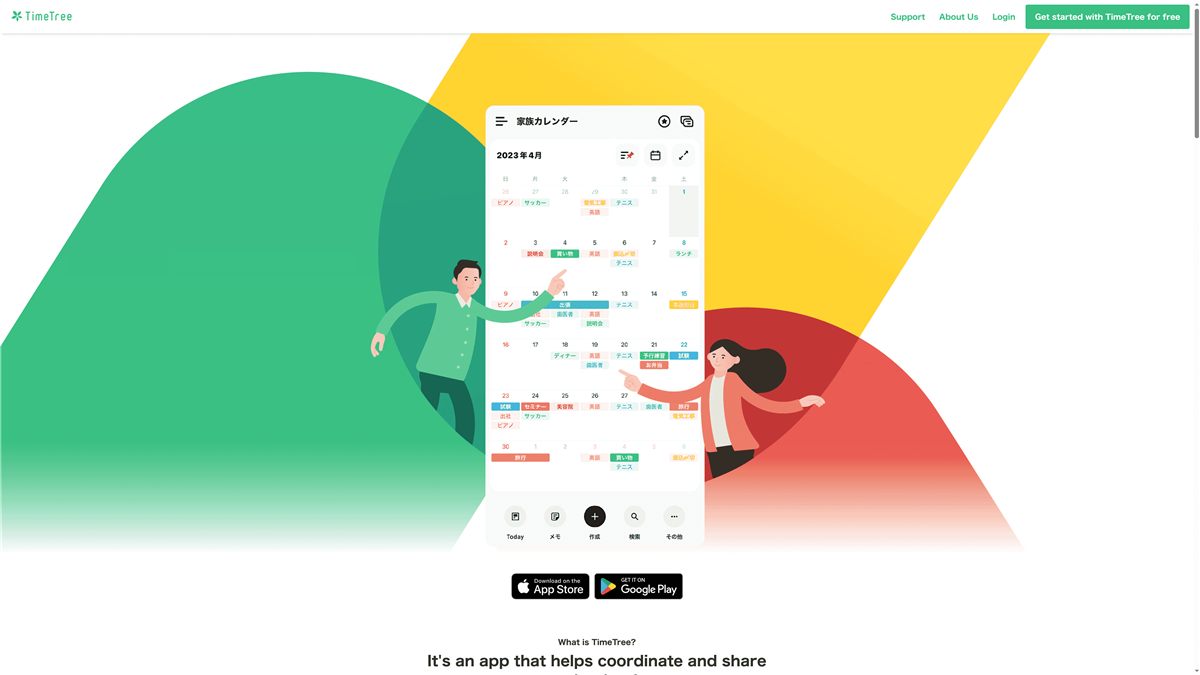
TimeTree is a family-friendly calendar app built to make schedule sharing and coordination simple across multiple groups. It combines shared calendars, in-calendar discussion, and media sharing so families, friends, and hobby groups can plan together without hopping between apps. The app shines for households that need clear visibility into everyone’s plans, though its dependence on mobile access and region-dependent pricing are worth noting.
Core Features
TimeTree lets you create multiple calendars for different communities — think family, work, sports teams, or volunteer groups — and keep them all in one place. Events can be shared and discussed directly inside the calendar, with messaging and photo sharing tied to specific plans. You get real-time notifications for new or changed events, plus the ability to publish public calendars for community-wide announcements. A premium subscription unlocks enhanced capabilities for users who want more robust features.
Pros
- Integrated calendar sharing and communication: TimeTree combines event scheduling and in-calendar discussion so plans and messages live together instead of scattered across apps.
- Supports multiple communities and personalized calendars: You can create separate calendars for family, friends, or hobbies, making it easy to slice and view schedules by group.
- Real-time notifications for changes or new events: Push alerts keep everyone up to date when plans shift, which reduces last-minute surprises.
- Public calendars for easy information dissemination: Creating and sharing a public calendar is straightforward, which helps community organizers or clubs broadcast schedules at no cost.
- Optional premium features for enhanced functionality: A paid tier offers additional capabilities for users who want more than the free experience.
Cons
- Limited detail about advanced features in the provided information: The available data doesn’t list specific advanced tools, which makes it hard to compare power-user capabilities.
- Pricing is region-dependent and may vary: Costs differ by region, which could be confusing for some families when comparing plans or budgeting.
- Potential reliance on mobile device access: The app’s workflow appears focused on mobile, which may limit usability for household members who prefer desktop or web-first tools.
Who It’s For
TimeTree is ideal for families and small groups that need a simple, shared calendar where plans and conversations are unified. If you juggle kids’ activities, partner schedules, and group events, and prefer a mobile-first solution that reduces messaging app clutter, this is a strong fit.
Unique Value Proposition
TimeTree’s main value is bringing scheduling and communication into a single, community-focused calendar experience. Instead of sending a separate group chat message about an event, you attach the conversation and photos directly to the plan — keeping context intact and timelines tidy.
Real World Use Case
A family uses TimeTree to coordinate weeknight routines, after-school activities, and weekend plans in one shared calendar. Parents add events, attach photos or notes, and rely on notifications to prevent double-bookings. The result: fewer missed pickups and less back-and-forth texting.
Pricing
Starting at $4.49 USD/month or $44.99 USD annually; prices vary by region.
Website: https://timetreeapp.com
Family Organization Tools Comparison
Here’s a comprehensive comparison of family organization and management tools. This table highlights their key features, pros, cons, and pricing to help you choose the best solution for your family’s needs.
| Tool | Key Features | Pros | Cons | Pricing |
|---|---|---|---|---|
| It’s A Southern Life | Free finance and self-care planner, budgeting resources, online community | Free tools, community support, focuses on empowerment | Limited to planners and worksheets, relies on printable resources | Free |
| Cozi Family Organizer | Shared calendar, task lists, recipe sharing, notifications | Free, easy scheduling, cross-device access | Internet required, unspecified feature limitations | Free |
| FamilyWall | Calendar, messaging, expense tracking, real-time location, meal planning | All-in-one app, private sharing, safety features | Initial setup complexity, unclear premium features | Free tier with premiums |
| Curious World | Videos, books, games, personalized child profiles, offline access | Ad-free, tailored child content, multi-platform availability | Subscription needed, current unavailability of service | $6.39/mo or $51.99/year |
| Trello | Board-based task management, integrations, power-ups | User-friendly, scalable, rich integrations | Advanced features behind paywall, limited free storage | Free tier, $5-$17.50/user |
| TimeTree | Shared calendars, event discussions, media sharing | Integrated calendar and chat, multiple group support, notifications | Limited detail on advanced features, pricing varies by region | $4.49/mo or $44.99/year |
Take Control of Your Family’s Time and Life Today
Parents juggling endless schedules know how hard it is to manage time effectively without feeling overwhelmed or losing sight of what truly matters. The article highlights common struggles like coordinating activities, avoiding calendar chaos, and finding simple tools that actually fit busy family life. If you are looking to replace frustration with clear, manageable systems that bring real balance and calm to your home, this is your chance.
At It’s A Southern Life Ya’ll, we provide actionable time management tools that blend practical budgeting, home organization, and self-care into one seamless rhythm. Our free planners and guides are designed with busy parents in mind to help you map out schedules, track progress, and reclaim your time without extra stress. Start building your best family routine now with proven organization hacks, easy-to-use productivity tips, and supportive strategies that stick. Visit https://itsasouthernlifeyall.com to get started and see how small steps today can create lasting peace and order tomorrow.
Frequently Asked Questions
What are the key features to look for in a time management tool for parents?
Look for features like shared calendars, task lists, and grocery management that streamline family coordination. Prioritize tools that offer automatic notifications and simple interfaces to make it easier to keep everyone on the same page. Choose one with capabilities that fit your family’s specific needs, ensuring it helps reduce scheduling conflicts by at least 20%.
How can a time management tool help improve daily routines for busy parents?
A time management tool can provide a centralized platform for organizing family schedules, tasks, and activities. Start by setting up a shared calendar so everyone can see commitments at a glance, aiming to cut down daily planning time to under 15 minutes.
What steps should I take to evaluate different time management tools for my family?
Begin by identifying your family’s specific needs, such as shared task management or meal planning features. List out potential tools, compare their features side by side, and consider testing a few options to see which ones fit your routine. Aim to have a decision made within a week to enhance your family’s organization promptly.
How can I integrate a time management tool with existing family routines?
Integrating a new tool involves introducing it during family meetings and encouraging everyone to use it regularly. Set a specific time each week to review and update plans, aiming for that check-in to become a routine that enhances your organization within the first month.
Can time management tools improve communication among family members?
Absolutely, time management tools can create clearer communication pathways by allowing family members to see tasks, events, and notifications in real-time. Begin by centralizing all family communications related to schedules and chores within the tool to ensure everyone stays informed and engaged, potentially reducing missed messages by about 30%.
Recommended
- Time Blocking Guide for Parents – It’s a Southern Life Ya’ll
- Understanding Productivity Tips for Parents Guide – It’s a Southern Life Ya’ll
- 7 Time Management Tips for Families to Balance Life – It’s a Southern Life Ya’ll
- Essential Tips for Simplifying Schedules in 2025 – It’s a Southern Life Ya’ll
Want a little more help with this? I made a free 30-Minute Reset that pairs right up with this post — y’all can grab it over on my Free Resources page.