

How to Use Pinterest Group Boards to Explode Your Blog Traffic
Over 450 million people use Pinterest every month, yet many American family bloggers struggle to tap into its true power for driving engagement and traffic. Managing a home-based blog while juggling family demands means you need strategies that work efficiently. This guide reveals practical Pinterest steps proven to help busy North American parents turn simple pins into steady blog growth and active community interaction.
Table of Contents
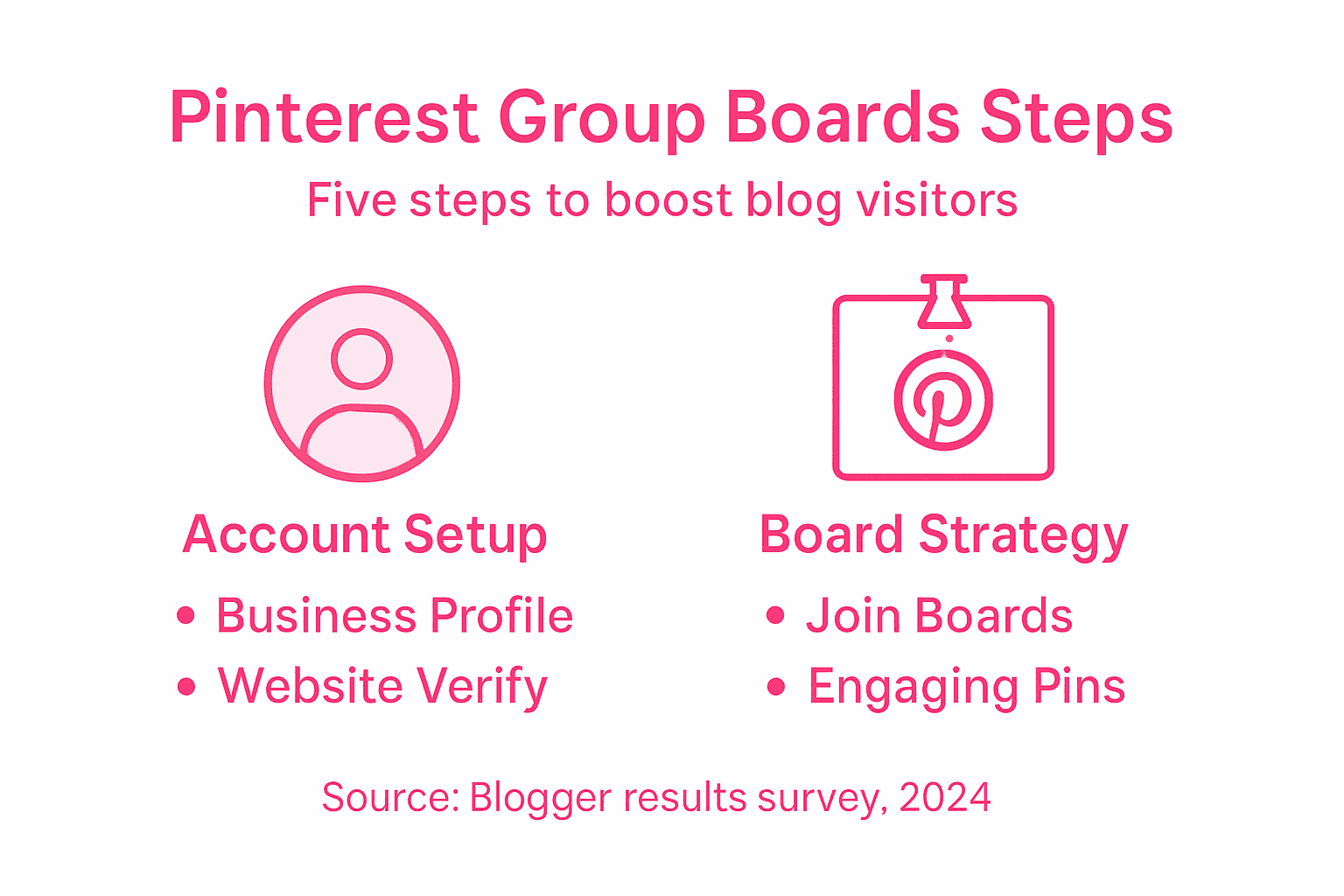
- Step 1: Set Up A Pinterest Business Account
- Step 2: Find And Join Relevant Group Boards
- Step 3: Plan And Schedule Engaging Pins
- Step 4: Optimize Pins For Maximum Clicks
- Step 5: Monitor And Analyze Board Performance
Quick Summary
| Key Insight | Explanation |
|---|---|
| 1. Create a Pinterest Business Account | A business account provides vital analytics and marketing tools to enhance your online presence. |
| 2. Join Relevant Group Boards | Collaborating on group boards increases your content visibility and connects you with your niche audience. |
| 3. Plan and Schedule Your Pins | A content calendar ensures consistent engagement by aligning pin themes with audience interests. |
| 4. Optimize Pins for Engagement | Use clear visuals and compelling text to make your pins irresistible and increase click-through rates. |
| 5. Monitor and Analyze Performance | Regularly tracking analytics will help improve your strategy based on audience engagement and preferences. |
Step 1: Set Up a Pinterest Business Account
If you want to take your blog traffic seriously, creating a Pinterest Business Account is your first strategic move. This special account gives you powerful analytics and marketing tools that will help you track and grow your online presence.
To get started, head to Pinterest and create a business profile. You can sign up using your email address or connect through Facebook. During setup, look for the option to convert your existing personal account to a business account or create a brand new professional profile. When filling out your details, be sure to include keywords related to your blog niche and choose a professional profile picture that represents your brand.
Once your account is set up, take time to verify your website and complete your profile. Business account settings provide enhanced features like performance tracking and audience insights that personal accounts simply cannot match. This verification step helps improve your search visibility and establishes your credibility on the platform.
Pro tip: Choose a profile name and description that clearly communicate what type of content visitors can expect from your blog, making it easier for potential followers to understand your brand at a glance.
Here’s a comparison of Pinterest Personal vs. Business accounts for bloggers:
| Feature | Personal Account | Business Account |
|---|---|---|
| Analytics Access | Limited or none | Advanced metrics/tools |
| Website Verification | Not available | Required for analytics |
| Ad Campaigns | Not supported | Full ad features |
| Audience Insights | Basic demographic | Detailed breakdown |
| Search Visibility | Lower | Enhanced, prioritized |
Step 2: Find and Join Relevant Group Boards
Expanding your Pinterest reach requires strategic networking through group boards that align with your blog niche. These collaborative spaces offer an incredible opportunity to dramatically increase your content visibility and connect with like-minded creators.

To start finding relevant group boards, search for collaborative boards in your specific blog topic area. Look for boards with active contributors and substantial follower counts that match your target audience. You can discover these boards by searching Pinterest using keywords related to your blog theme or by checking the boards of influencers in your niche. When you find potential group boards, carefully review their contribution guidelines and membership requirements.
Reaching out to board owners is your next step. Most group board invitations happen through direct message or email listed in the board description. Craft a professional introduction explaining why you would be a valuable contributor and include links to your best Pinterest content. Managing board collaborations requires consistent, high quality pin submissions that provide genuine value to the board’s community.
Pro tip: Focus on quality over quantity when joining group boards and aim to contribute pins that genuinely help the board’s audience rather than just promoting your own content.
Step 3: Plan and Schedule Engaging Pins
Successfully growing your blog traffic through Pinterest requires a strategic approach to creating and sharing content that truly resonates with your target audience. Mastering the art of pin planning and scheduling will help you maintain consistent engagement and build a loyal following.
Start by developing a content scheduling strategy that aligns with your blog topics and audience interests. Create a content calendar that outlines your pin themes, ensuring you have a diverse mix of educational, inspirational, and promotional pins. Use scheduling tools like Tailwind to plan your pin releases in advance, which helps maintain a steady stream of content without overwhelming your followers. Focus on timing your pins when your target audience is most active by analyzing your Pinterest analytics and experimenting with different posting times.
To keep your pins engaging, incorporate variety in your visual content and messaging. Effective content strategies involve creating pins that solve problems, answer questions, or provide unique insights related to your blog niche. Mix up your pin designs with different templates, color schemes, and formats to prevent audience fatigue. Always include clear, descriptive text overlays and high quality images that grab attention in the fast-scrolling Pinterest environment.
Pro tip: Create a pin template library with 3-5 consistent design styles that reflect your brand, allowing you to quickly produce visually cohesive content while saving time on graphic design.
Step 4: Optimize Pins for Maximum Clicks
Turning your Pinterest pins into traffic generating machines requires strategic design and thoughtful optimization that compels users to click through to your blog content. Understanding how to create visually arresting and irresistible pins is the key to transforming casual browsers into engaged readers.
User interface design principles suggest creating pins with a clear visual hierarchy that immediately draws the eye and communicates value. Design your pins with high contrast colors, readable text overlays, and images that stop scrollers in their tracks. Use text that speaks directly to your audience’s pain points or curiosity use phrases like “Discover How” or “Secrets to” that create an instant sense of intrigue. Ensure your pin descriptions include relevant keywords that help Pinterest’s algorithm understand and distribute your content to the right audiences.
When crafting clickable pins, focus on creating a compelling click interaction that makes users want to learn more. This means using emotional triggers in your text, showcasing problem solving content, and creating pin designs that look professional yet approachable. Test different pin styles experiment with vertical images, infographics, and text overlay designs to see what resonates most with your specific audience.
Pro tip: Create a swipe file of successful pins in your niche and analyze their design elements to understand what makes them visually compelling and clickworthy.
Step 5: Monitor and Analyze Board Performance
Successfully growing your Pinterest strategy means becoming fluent in understanding your performance metrics. Tracking your board and pin analytics transforms guesswork into strategic insights that can dramatically boost your blog traffic.
Pinterest business account tools provide powerful analytics that reveal exactly how your content performs. Dive into your dashboard and focus on key metrics like impressions, saves, click-through rates, and audience demographics. Pay special attention to which pins generate the most engagement and traffic to your blog. Look for patterns in color schemes, topics, and design styles that resonate with your audience. Compare your top performing pins against those with lower engagement to understand what truly captures your followers’ attention.
To make your analytics actionable, create a performance dashboard that helps you track progress toward your blog traffic goals. Set specific monthly targets for metrics like total impressions, click-through rates, and new followers. Schedule a monthly review where you analyze these numbers and adjust your pinning strategy accordingly. Experiment with different content types, posting times, and design approaches based on your data insights.
Pro tip: Create a spreadsheet to track your top 10 performing pins each month, noting their characteristics so you can replicate their success in future content.
Below is a quick reference for key Pinterest performance metrics and their importance:
| Metric | What It Measures | Why It Matters |
|---|---|---|
| Impressions | Pin view frequency | Gauges pin visibility |
| Saves | Pins saved by users | Measures user value/interest |
| Click-Through Rate | Blog visits from pins | Direct traffic indicator |
| Follower Growth | New followers gained | Tracks audience expansion |
| Engagement Rate | Interactions per pin | Evaluates pin effectiveness |
Elevate Your Blog Growth with Smart Pinterest Strategies and Simplified Lifestyle Tips
Are you struggling to turn Pinterest group boards into a consistent stream of blog traffic? The challenge of managing multiple pins, creating engaging content, and analyzing performance can quickly become overwhelming. This article highlights the need for effective planning, optimization, and collaboration to unlock Pinterest’s full potential for your blog. But success is not just about traffic numbers — it’s about having the right systems to keep your content organized and your time managed wisely.
At It’s A Southern Life Y’all, we understand how busy bloggers juggle creativity and daily life demands. That is why we offer proven organization hacks, productivity tips, and time management tools designed to help you maintain consistency on platforms like Pinterest without burning out. Whether you want to build engaging pins that stop the scroll or manage your pin schedule with less stress, our advice can help transform your blogging journey. Discover simple living strategies and personalized blogging advice to create your most efficient lifestyle today.
Ready to start turning Pinterest group board efforts into real blog visits? Don’t wait to gain control of your blog strategy and your life — your most organized and productive season is just one click away.
Frequently Asked Questions
How can I find relevant Pinterest group boards for my blog niche?
To find relevant Pinterest group boards, search for collaborative boards using keywords related to your blog theme. Look for boards with active contributors and followers that match your target audience, ensuring you connect with the right communities.
What should I include in my message when requesting to join a group board?
When reaching out to a group board owner, craft a professional introduction that explains why you would be a valuable contributor. Include links to your best Pinterest content to showcase your skills and relevance to the board’s theme.
How should I schedule my pins in group boards for maximum engagement?
Develop a content calendar that outlines your pin themes and maintains a diverse mix of educational, inspirational, and promotional content. Schedule your pins during peak activity times identified through your Pinterest analytics to maximize engagement and visibility.
What are some best practices for creating engaging pins for group boards?
Focus on designing pins with high contrast colors, readable text overlays, and eye-catching images. Create pins that address audience pain points or curiosity with catchy phrases, making them more likely to click through to your blog content.
How can I analyze my performance on group boards effectively?
Use the analytics within your Pinterest business account to track key metrics like impressions, saves, and click-through rates. Set specific monthly targets for these metrics, and analyze the data to identify trends, allowing you to refine your pinning strategy for better performance.
How often should I contribute to group boards to see significant traffic growth?
Aim to contribute consistently by pinning high-quality content regularly, ideally several times a week. By maintaining an active presence, you can gradually increase your visibility and engagement, potentially seeing traffic growth within 30–60 days.
Recommended
- How to Make Pinterest Pins for Organized Family Homes – It’s a Southern Life Ya’ll
- blog tips – It’s a Southern Life Ya’ll
- How to Design a Beautiful and Functional Blog Layout on a Budget – It’s a Southern Life Ya’ll
- Content Calendars: Streamlining Blogging for Busy Parents – It’s a Southern Life Ya’ll
Want a little more help with this? My SEO Content Pro Strategist GPT takes what we talked about here and walks you through it, step by step.