

Tools You Can Use To Pin on Pinterest for Maximum Engagement 2026
Finding time for family, work, and personal projects gets tricky when your schedule fills up and distractions pull you in every direction. Many new tools and platforms promise simple routines, smarter organization, or effortless posting but each offers its own mix of features and real life benefits. Curious which options actually support busy parents and creators who crave more time and less stress? See how different solutions stack up when real demands meet everyday needs.
Here is the short of it: The best time to pin is less important than pinning consistently, which is why most people reach for a scheduler. This post compares seven of them — Social Champ, Tailwind, EvergreenFeed, Bloggerspassion, RecurPost, CoSchedule and Hopper HQ — on what they cost, what they automate, and who each one really suits, so you can pick one and stop thinking about it.
Table of Contents
Social Champ

At a Glance
Social Champ is an AI-powered social media management tool built to schedule, analyze, listen, and collaborate across multiple platforms. For busy parents running a home-organization blog or a small productivity-focused side hustle, it centralizes scheduling, analytics, and team workflows so you spend less time posting and more time with your family. It’s feature-rich and offers a free plan, but the breadth of tools can feel overwhelming at first.
Core Features
Social Champ combines social media scheduling for multiple platforms with analytics and reporting, a social inbox for messages and comments, and a drag-and-drop content calendar. It adds social listening for trend and sentiment analysis, AI tools for content creation and optimal posting times, team collaboration with approval workflows, and automation via RSS feeds and smart queues. Integrations with Google Drive, Dropbox, Canva, and WordPress streamline content pulls and publishing, making it a single hub for content planning and execution.
Pros
- User-friendly interface and intuitive design make setup and daily scheduling quick, so you can queue posts between school runs or during nap time.
- Robust analytics and reporting provide clear performance data, helping you decide which pins or posts to prioritize without guessing.
- Comprehensive social media management features in one platform reduce tool switching, which saves you time and mental overhead.
- Effective team collaboration tools support approvals and feedback, ideal if you work with a virtual assistant or a partner on content.
- Support for multiple social media platforms and integrations lets you reuse assets across Pinterest, Instagram, and other channels efficiently.
Cons
- The extensive feature set might be overwhelming for new users who only need simple scheduling and basic analytics.
- Pricing may be high for small businesses or individual users depending on the plan chosen, especially if you need advanced features.
- Customer support experiences may vary, which can be frustrating when you need quick help to fix a posting issue.
Who It’s For
Social Champ is best for small businesses, social media managers, content creators, and agencies—or busy parents who manage their family’s brand or a home-organization blog. If you juggle family schedules and content calendars, Social Champ helps you plan posts ahead, approve drafts with collaborators, and monitor engagement from a single dashboard.
Unique Value Proposition
Social Champ’s strength lies in bundling AI content tools, social listening, team workflows, and scheduling into one platform. That combination is especially valuable for parents balancing content creation with family life: create smarter posts faster, schedule them around your routine, and use analytics to repeat what works.
Real World Use Case
A marketing agency—or a solo parent blogging about productivity—uses Social Champ to plan, schedule, and analyze campaigns for multiple clients or projects. The result: consistent posting without nightly stress, measurable performance insights, and time reclaimed for family activities.
Pricing
Social Champ offers a free plan with limited features. Paid plans include Starter, Growth, and Enterprise, with tiered pricing starting from $4/month (billed annually) for the basic plan and custom pricing for enterprise solutions.
Website: https://socialchamp.com
Tailwind
At a Glance
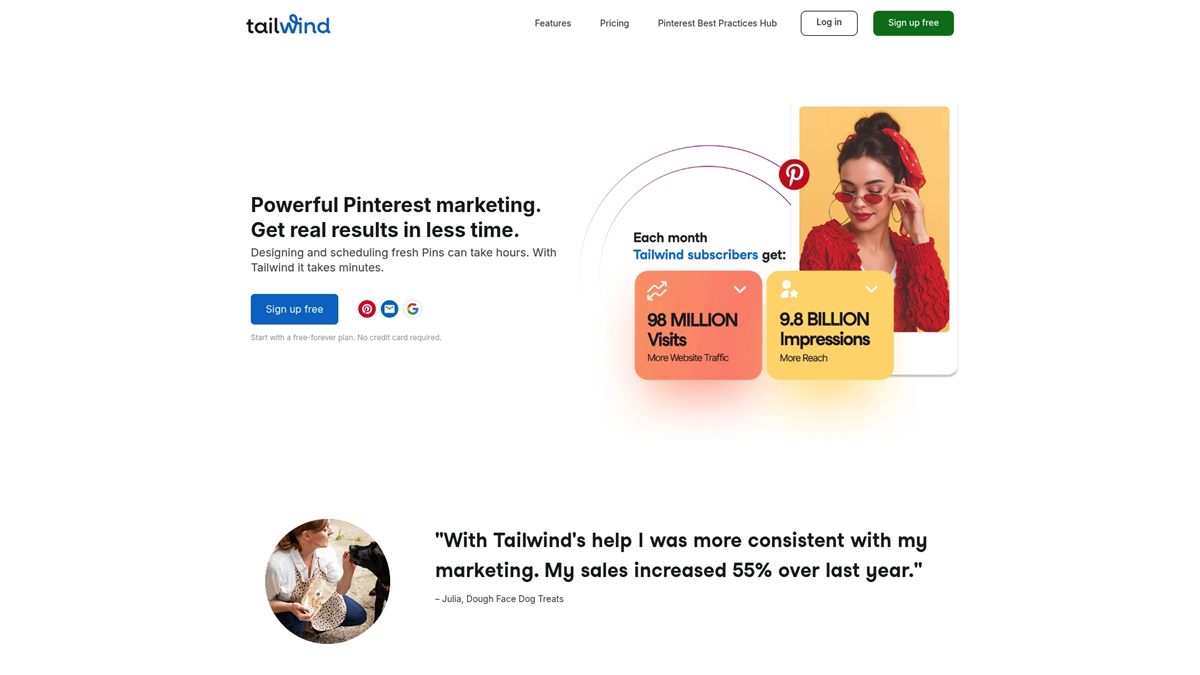
Tailwind is a Pinterest-focused marketing tool designed to help you create, schedule, and optimize pins with less daily effort. It’s an official Pinterest partner trusted by over a million brands and small businesses, and it combines bulk scheduling, AI-assisted content creation, and cross-network posting into one dashboard. For busy parents running a home-organization blog or small eCommerce shop, Tailwind can turn sporadic pinning into a predictable, growth-oriented routine. It’s powerful—but expect a short learning curve and plan for the pricing tiers if you need advanced features.
Core Features
Tailwind helps you create fresh pins from URLs, images, or videos and bulk schedule, edit, and publish using a visual drag-and-drop calendar. You can import pins from CSV files or directly from websites with a browser extension, and stagger posts with interval and multi-board pinning to spread content over time. Set-and-forget Auto-publish lets you plan months ahead, and AI-powered tools help generate pin titles and descriptions. Tailwind also supports multi-platform scheduling so you can manage Pinterest alongside Instagram and Facebook from one dashboard.
Short, practical wins. Big time savings.
Pros
- Official Pinterest partnership ensures safety and compliance: Being an official partner reduces the risk of policy missteps that can harm your account. This matters when you’re juggling family life and marketing tasks.
- Data-backed strategies to boost performance: Tailwind includes research-driven recommendations that help your pins reach more people without guesswork.
- Significant time savings through bulk scheduling and automation: The visual calendar and set-and-forget scheduling let you plan weeks or months in advance, freeing up time for family and household tasks.
- AI tools speed up content creation: Auto-generated titles and descriptions cut the time you spend writing captions, which is ideal when you’re producing content between school runs.
- Multi-platform support reduces tool clutter: Scheduling for Instagram and Facebook from the same place simplifies social management for small teams or solo creators.
Cons
- Pricing plans can be complex and costly for small businesses on higher tiers: The tiered structure may force growing creators to upgrade sooner than they expect, stretching tight budgets.
- Features may have a learning curve for beginners: Expect an initial investment in time to learn interval pinning, CSV imports, and the visual calendar.
- Limited free plan with very few credits and posts: The free forever option is helpful to trial basics, but it’s not sufficient for consistent growth strategies.
Who It’s For
Tailwind suits small to medium-sized businesses, content creators, and social media managers—especially those focused on Pinterest growth and multi-platform marketing. For busy North American parents running a side hustle in home organization or productivity content, Tailwind helps automate routine tasks so you can focus on creating and family commitments.
Unique Value Proposition
Tailwind packages Pinterest expertise, automation, and AI content generation into a single platform backed by official Pinterest research and best practices. That combination turns complex pinning strategies into repeatable workflows, giving you reliability when time is scarce.
Real World Use Case
A small eCommerce brand uses Tailwind to automate daily pinning, analyze pin performance, and generate personalized content, which simplifies the marketing workload and supports steady traffic growth.
Pricing
Free forever plan with limited features; paid plans start from $17.99/month for Pro, $29.99/month for Advanced, and $49.99/month for Max (pricing may vary due to discounts and updates).
Website: https://tailwindapp.com
EvergreenFeed
At a Glance
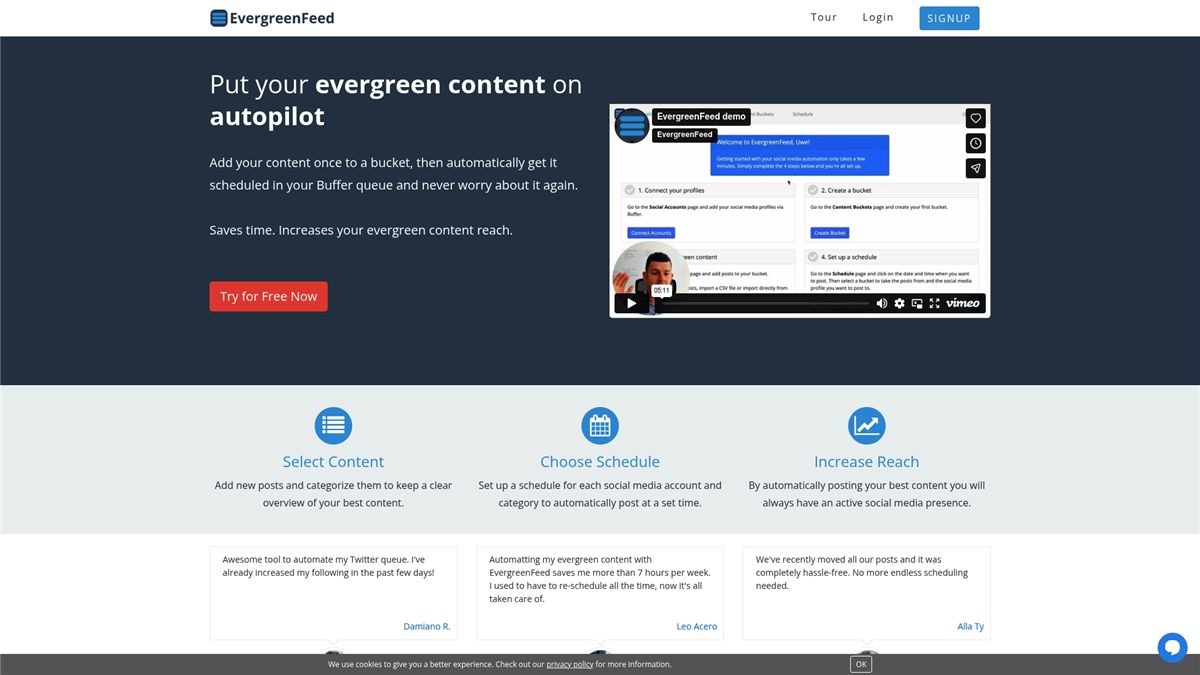
EvergreenFeed automates the scheduling and posting of evergreen content so you can keep social channels active without daily work. It focuses on simple content buckets, multi-account management, and timed auto-posting — all set up in a few clicks. For busy parents running a blog, small business, or side hustle, it’s a practical time-saver that prioritizes consistency over complexity.
Core Features
EvergreenFeed centralizes multiple social accounts under one login, lets you create and categorize content buckets (for quotes, blog posts, promotional posts, and more), and schedules posts by bucket and account. Automatic posting runs at set times and days you choose, reducing the need for manual uploads. The feature set is intentionally straightforward: organize content, assign it to buckets, and let the system post on your schedule.
No guesswork.
Pros
- Automates social media posting to save time, which helps you focus on family, work, or content creation instead of daily posting chores.
- Helps increase content reach and engagement by recycling evergreen posts so your audience sees valuable content more frequently without extra effort from you.
- Simple setup with just a few clicks makes it accessible to nontechnical users who don’t have hours to learn a complicated platform.
- Supports management of multiple accounts in one place so you can handle a business page, personal profile, and group or partner accounts from a single dashboard.
- Free sign-up without credit card requirements lowers the barrier to trying it out, which is ideal when budgets and time are tight.
Cons
- Limited information on advanced customization options means you may not be able to fine-tune posting behavior to match more nuanced brand strategies.
- Features may be basic for very large or complex social media strategies, so agencies or high-volume teams might find the tool too lightweight.
Who It’s For
EvergreenFeed is ideal for small businesses, content creators, social media managers, and especially busy parents who juggle family and work and need a low-friction way to keep social accounts active. If your goal is steady visibility rather than hyper-targeted campaigns, this tool fits neatly into a weeknight routine or a short monthly planning session.
Unique Value Proposition
EvergreenFeed’s strength is clarity: it converts evergreen content into an automated publishing rhythm with minimal setup. Instead of wrestling with daily posting, you build reusable buckets and let the system maintain a consistent presence — a simple promise that saves real time where it matters.
Real World Use Case
A small business owner schedules blog updates and promotional posts into themed buckets and assigns them to Facebook, Twitter, and LinkedIn. Once scheduled, EvergreenFeed posts automatically at the chosen times, maintaining steady engagement without daily intervention — freeing mornings for family and afternoons for customer work.
Pricing
Free to try; there is no mention of paid plans or subscription costs in the available information, so you can start without a financial commitment and evaluate how well the automation fits your routine.
Website: https://evergreenfeed.com
Bloggerspassion

At a Glance
Bloggerspassion is a seasoned blogging and SEO resource built by Anil Agarwal to guide creators from beginner to advanced levels. For busy parents in North America creating home organization and productivity content for Pinterest, it offers practical SEO lessons, tool recommendations, and real income case studies you can model. The site emphasizes actionable tactics rather than theory, though depth varies by article. Bottom line: reliable, hands-on guidance for bloggers who need efficient, repeatable strategies.
Core Features
Bloggerspassion provides free SEO training and a large library of in-depth articles on blogging, SEO, and online marketing. It curates tool recommendations for web hosting and site management, publishes income reports and case studies that reveal practical growth steps, and lists coupons and discounts to reduce startup costs. These capabilities combine into a learning hub where you can pick specific tutorials, apply recommended tools, and follow real examples to improve traffic and monetization.
Pros
- Established expertise: Bloggerspassion has over a decade of experience, which means its advice is battle-tested and oriented toward long-term success.
- Comprehensive learning resources: The site offers a wide range of tutorials that take you from setup to advanced SEO tactics without jumping between scattered sources.
- Regularly updated content: Articles reflect recent trends and strategies, which helps you keep Pinterest-focused pins aligned with current search patterns.
- Actionable case studies: Real-world income reports show step-by-step approaches you can adapt to a home organization or productivity niche.
- Cost-saving recommendations: Coupons and curated tool lists help busy parents get started affordably and avoid time-consuming trial-and-error.
Cons
- Narrow focus on blogging and SEO: The site concentrates on blogging and SEO, so broader digital marketing areas like paid social ad strategy may receive less coverage.
- Variable article depth: Content quality and depth depend on individual posts and contributors, meaning some guides require careful vetting before implementation.
- Affiliate-driven suggestions: Several recommendations are affiliate-linked, which can introduce bias in tool or host endorsements and requires you to cross-check options.
Who It’s For
Bloggerspassion is ideal for aspiring and established bloggers—especially busy parents building Pinterest-driven sites about home organization, meal planning, or family productivity. If you need clear SEO steps, tool choices that save time, and practical case studies to copy, this resource fits your schedule and goals.
Unique Value Proposition
Bloggerspassion’s unique value lies in combining free, actionable SEO training with real income case studies and curated tool discounts. For time-pressed parents, that means fewer experiments and more proven tactics to get pins found and convert traffic into consistent blog growth.
Real World Use Case
A new parent launching a home organization blog can follow Bloggerspassion’s free SEO tutorials to structure post titles and pin descriptions, use recommended low-cost hosting guided by available coupons, and apply lessons from income reports to set realistic monetization milestones.
Pricing
Many resources and articles on Bloggerspassion are free; paid products and courses vary in price, and the site frequently lists discounts and coupons to lower startup costs.
Website: https://bloggerspassion.com
RecurPost
At a Glance
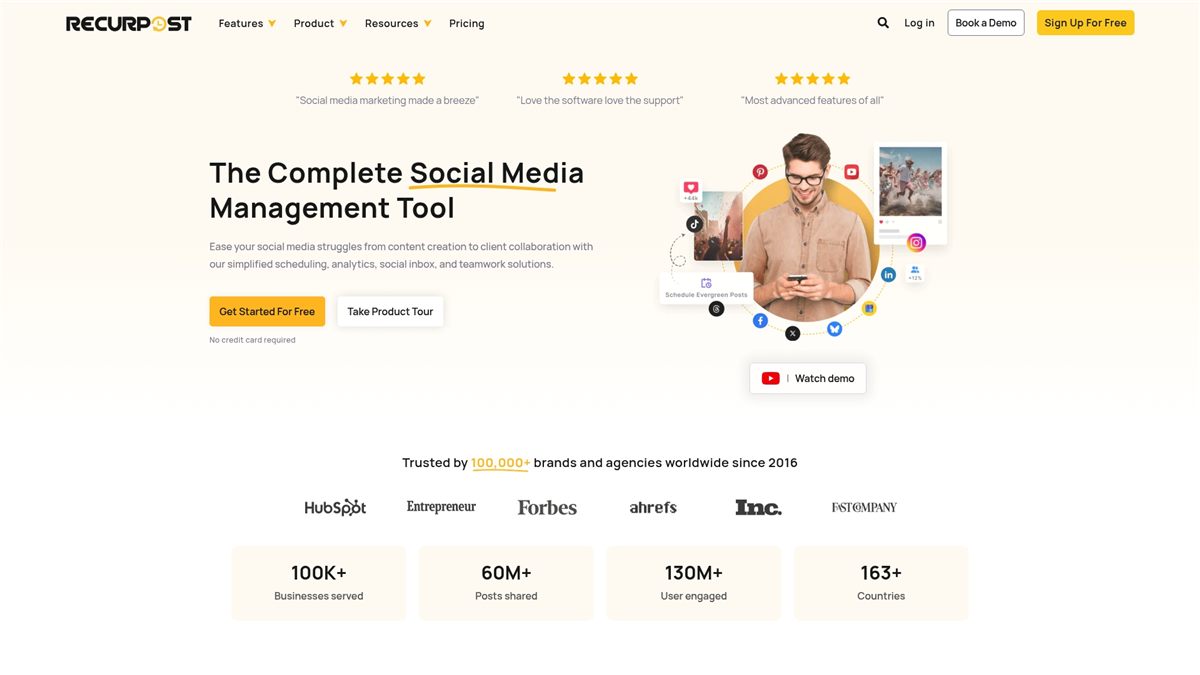
RecurPost is a full-featured social media scheduler built for teams and multi-account workflows, trusted by over 100,000 brands and agencies since 2016. It combines straightforward scheduling, evergreen content recycling, and branded reporting to simplify ongoing social strategies. For busy parents running a Pinterest-focused home-organization blog or small shop, it removes repetitive tasks so you can spend time with family rather than fussing over posting. Pricing and advanced features skew toward agencies and power users, so evaluate needs before committing.
Core Features
RecurPost covers the essentials and then some: simplified scheduling across multiple social accounts and clients, content recycling for evergreen posts, a social inbox to manage messages, automated report creation with white-label branding, and an AI assistant for data insights and content suggestions. It supports Instagram DM automation for comment-driven campaigns, bulk scheduling with platform-specific formatting, integrations including Facebook, Instagram, Twitter, LinkedIn, Pinterest, TikTok, and YouTube, plus analytics, team approval workflows, paid-boosting of top posts, and mobile apps for on-the-go management.
Pros
- Time-saving automation features let you schedule recurring Pinterest pins and evergreen content so you don’t rebuild the same board every month.
- Comprehensive analytics and reporting provide audience insights and engagement metrics that help you refine pin timing and creative choices.
- Support for multiple social media platforms and clients makes it easy to manage a Pinterest account alongside Instagram and Facebook without switching tools.
- An easy-to-use interface with collaboration tools keeps small teams and family-run businesses organized and on the same calendar.
- Content recycling automation reduces manual posting work by re-serving high-performing pins over time.
Cons
- Pricing may be high for individual users with limited needs, which can be a barrier if you’re a solo parent blogger on a tight budget.
- Some advanced features are limited to higher-tier plans, so key capabilities like extensive automation or white-label reporting may require upgrading.
- The platform depends on a reliable internet connection for best performance, which can be frustrating if your home Wi-Fi is unreliable.
Who It’s For
RecurPost is aimed at marketers, social media managers, small business owners, agencies, and content creators who need automation and analytics across multiple accounts. For busy parents running a home-organization or productivity blog, it’s especially useful if you juggle Pinterest plus other channels and want a predictable, low-effort posting cadence.
Unique Value Proposition
RecurPost’s standout strength is evergreen content recycling combined with branded reporting and an AI assistant — a mix that turns repeatable Pinterest ideas into time-saving automation while giving you measurable client-ready results. It’s a single place to schedule, analyze, and scale social content.
Real World Use Case
A marketing agency uses RecurPost to schedule posts for multiple clients, automate recurring content, and generate branded performance reports for client presentations, saving time and improving engagement. Similarly, a parent running a Pinterest-focused home-organization account can recycle seasonal pins, batch-schedule a month of content, and review analytics to optimize pin times.
Pricing
Plans start at $9/month for the Starter plan, $25/month for the Personal plan, and $79/month for the Agency plan, with yearly options available that offer discounts; custom enterprise solutions are also available.
Website: https://recurpost.com
CoSchedule
At a Glance
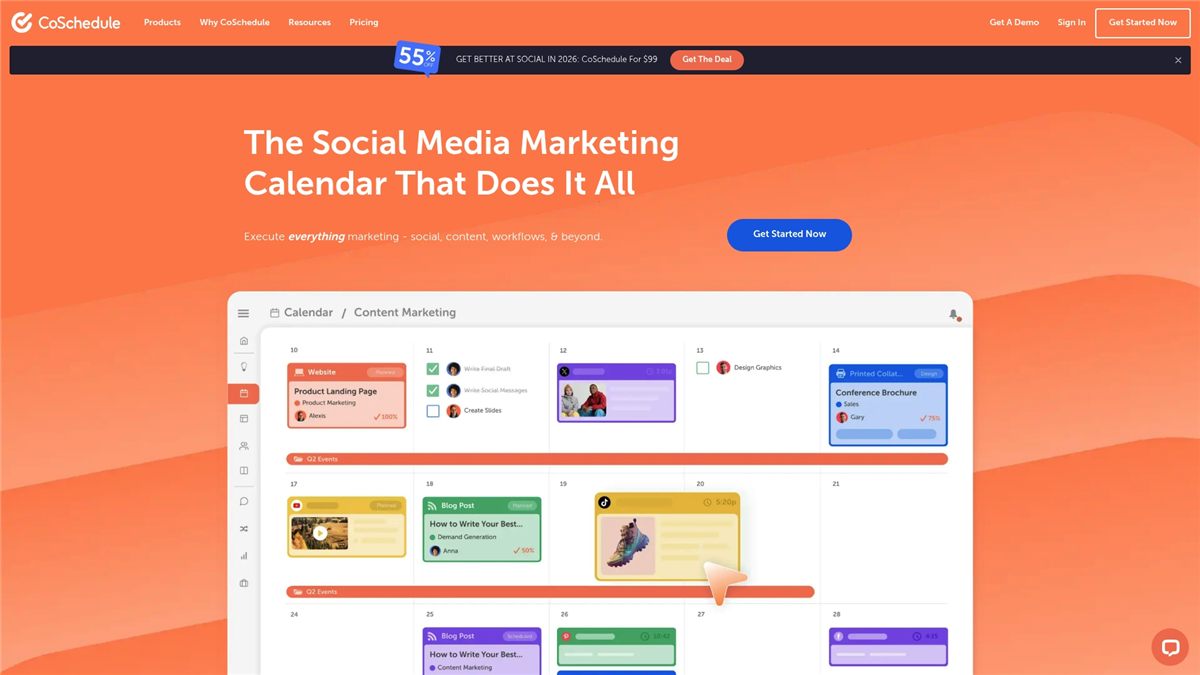
CoSchedule is a unified marketing calendar designed to plan, schedule, publish, and measure social and content marketing from one place. It combines social scheduling, content calendar management, team workflows, automation, and analytics, which helps busy parents who run home-organization blogs or small productivity businesses stay consistent without constant manual posting. Trusted by over 100,000 marketers, it’s powerful for teams and agencies but can feel like more tool than needed for an individual juggling family life and a side hustle. If you need reliable automation and reporting for Pinterest and other platforms, CoSchedule delivers — but expect to weigh cost and complexity against time saved.
Core Features
CoSchedule’s core capabilities include social media scheduling, publishing, and automation; content calendar management; marketing project and campaign planning; team collaboration and workflows; and analytics and reporting for social and content performance. It also offers AI tools to assist with content creation and optimization. Together these features let you batch-plan seasonal organization projects, automate recurring Pinterest pins, and analyze what drives clicks and saves — all from a single calendar view.
Pros
- All-in-one platform integrates social media, content, and marketing workflows: That single-calendar approach reduces context switching so you can plan a month of organization pins in one session.
- Supports team collaboration with permissions and project management tools: You can involve a partner, virtual assistant, or co-blogger with clear roles and approval flows.
- Offers automation features for recurring posts and campaigns: Automating evergreen organization tips or weekly productivity pins saves hours each month.
- Customizable and scalable plans for different team sizes and needs: As your blog or side business grows, the platform can expand to match your workflow.
- Includes AI tools for content creation and optimization: AI can speed up caption writing, title ideas, and A/B testing concepts so you spend less time drafting and more time organizing.
Cons
- Pricing may be high for small teams or individual users: The cost can be a barrier if you’re a solo parent blogger on a tight budget.
- Some features may require additional costs or add-ons: Essential capabilities for full automation or agency-level reporting can come with extra fees.
- Advanced customization and integrations can be complex to set up: If you want deep integrations with analytics or third-party tools, expect a learning curve and setup time.
Who It’s For
CoSchedule is best suited for marketers, social media managers, content creators, marketing agencies, and small to mid-sized businesses that need an all-in-one marketing calendar and automation tool. For busy parents running a home-organization or productivity blog, it’s ideal if you plan to scale, collaborate with others, or want robust analytics to refine what resonates with your Pinterest audience.
Unique Value Proposition
CoSchedule’s unique value is its single, centralized calendar that connects planning, publishing, automation, and measurement. That consolidation turns scattered task lists into a repeatable system — perfect when your time is limited and you need predictable content workflows that free up family time.
Real World Use Case
A digital marketing team uses CoSchedule to plan social media content, coordinate campaigns across platforms, automate recurring posts, and track performance through reports. Translated for a parent blogger: batch-create a month of home-organization pins, schedule recurring seasonal refreshes, and use analytics to re-promote top-performing pins without redoing the work.
Pricing
Free plan available with limited features; paid plans start at $19 per user/month for the social calendar, with higher-tier plans for agencies and marketing teams that vary in cost and features. Consider starting on the free tier to test scheduling and then scale when automation pays back your time.
Website: https://coschedule.com
Hopper HQ
At a Glance
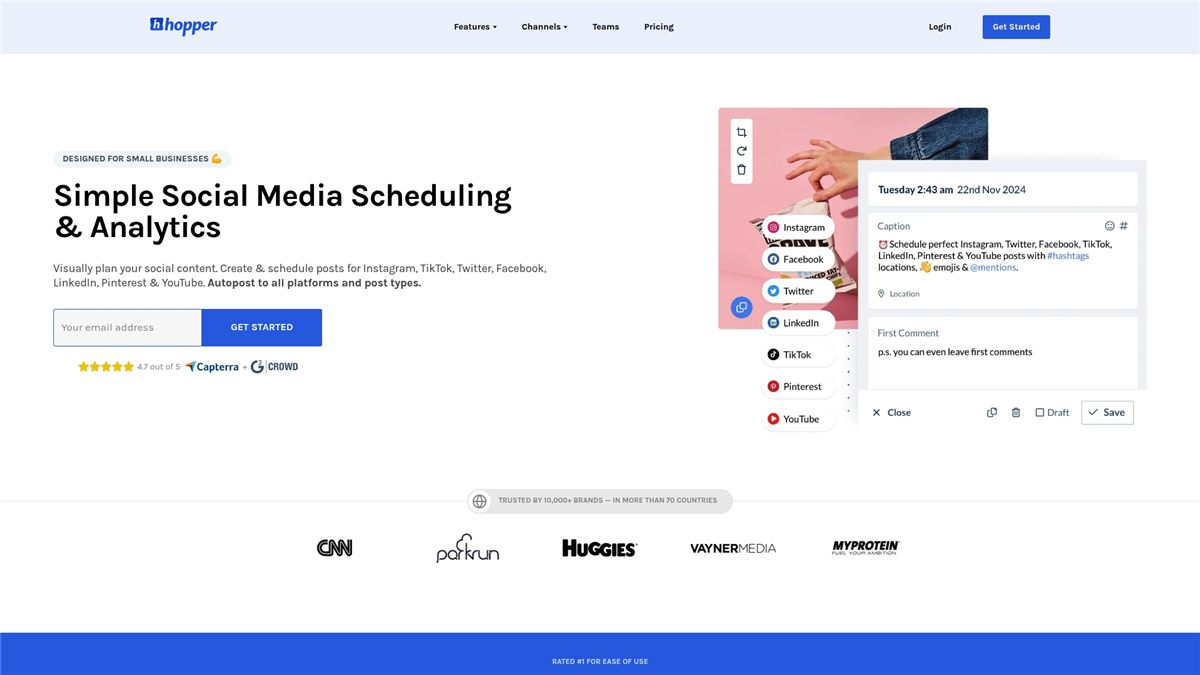
Hopper HQ is a visual-first social media scheduler that helps small businesses and creators post across Instagram, TikTok, Twitter, Facebook, LinkedIn, Pinterest, and YouTube without the daily scramble. It combines autoposting, bulk uploads, team collaboration, and AI-assisted caption and hashtag suggestions to save time. For busy parents running a side hustle or a small boutique, it can cut routine posting work dramatically while keeping analytics within reach.
Core Features
Hopper HQ centers on a visual social content planner and scheduler that supports auto-posting across multiple platforms and post types. You can bulk create and upload posts, collaborate with team members via permissions and approvals, and review analytics to track content performance and audience growth. Additional capabilities listed include link-in-bio pages, AI-generated captions and hashtags, full image editing and upscaling tools, reposting from TikTok to Instagram without watermarks, and tools to create attractive Instagram grids.
Pros
- Multi-platform support saves time: Hopper HQ supports major networks like Instagram, TikTok, and YouTube, allowing you to manage all feeds from one place instead of switching apps every night.
- AI tools reduce content friction: Built-in AI-generated captions and hashtag suggestions help you draft posts quickly, which is handy when you’re juggling kids, groceries, and a content calendar.
- Bulk uploading boosts efficiency: The ability to bulk create and schedule posts means you can batch one afternoon and be done for the week.
- Visual-first interface is user-friendly: A visual planner makes it easier to lay out themed weeks—perfect if you pin home organization ideas or step-by-step productivity templates.
- Analytics inform smarter posting: Basic reporting helps you refine what resonates with your audience so you spend less time guessing and more time creating.
Cons
- Pricing clarity requires sign-up: Exact costs depend on the number of accounts and features, and you must sign up for the trial to see detailed pricing, which can slow decision-making.
- Advanced features have a learning curve: Some tools—especially team permissions and in-depth analytics—may take time to master if you’re new to social management.
- Depends on internet and platform APIs: Like any scheduler, Hopper HQ’s functionality is tied to network APIs and your connection, so outages or platform limits can disrupt posting.
Who It’s For
Hopper HQ is best for small business owners, content creators, and marketing teams who want a straightforward, visual planning tool. Busy North American parents running a home organization blog, selling handmade goods, or managing a local service will appreciate the time savings from bulk scheduling and AI assistance.
Unique Value Proposition
Hopper HQ’s strength is its visual planner combined with autoposting across multiple platforms and AI-assisted content tools. That mix allows you to plan attractive feeds, automate routine publishing, and quickly draft captions—so you reclaim hours each week without sacrificing polish.
Real World Use Case
A small boutique uses Hopper HQ to schedule weekly Instagram posts, Reels, and Stories, coordinate team approvals, analyze performance, and keep its content calendar organized—enabling consistent social activity without daily manual posting.
Pricing
Hopper HQ offers a 14-day free trial with paid plans starting at a monthly rate; specific pricing varies by the number of accounts and selected features.
Website: https://hopperhq.com
Social Media and Productivity Tools Comparison
The following table provides a detailed comparison of various social media and productivity tools, showcasing their features, benefits, strengths, and pricing options to help users identify the most suitable tool for organizational or professional needs.
| Product Name | Key Features | Pros | Cons | Pricing (Monthly) |
|---|---|---|---|---|
| It’s A Southern Life Y’all | Free planners for finance and self-care Guides for budgeting and productivity |
Comprehensive free planners Actionable step-by-step guides Community engagement for accountability |
Limited pricing details provided | Mostly free resources |
| Social Champ | Social media scheduling Analytics and insights |
User-friendly setup Comprehensive features and integrations Ideal for small businesses |
Initial learning curve High costs for advanced plans |
Free plan available; paid plans start at $4 |
| Tailwind | Pinterest marketing tools Automation and bulk scheduling |
Official Pinterest partner Proven strategies and analytics Reduces manual efforts |
Higher-tier plans may be costly Entry-level free plan is restrictive |
Free plan available; paid plans start at $17.99 |
| EvergreenFeed | Content bucket organization Automated posting |
Simple setup Multiple account management Free signup without credit card |
Limited advanced customization options | Free to use |
| Bloggerspassion | Blogging and SEO guides Case studies and tool discounts |
Established expertise Comprehensive library of resources Cost-saving recommendations |
Narrow focus on blogging and SEO Some information affiliate-driven |
Mostly free content; tool cost subject to discounts |
| RecurPost | Evergreen content recycling Analytics for engagement metrics |
Content automation Analytics and branded reporting Multi-platform support |
Pricing skewed toward agencies Reliance on internet connectivity |
Paid plans start at $9; higher tiers up to $79 |
| CoSchedule | Unified social and content calendar Collaboration features |
Automates workflows Scalable plans Includes AI tools for optimization |
Higher cost for personal use Complexity in setup |
Paid plans start at $19 per user |
| Hopper HQ | Visual social planner Bulk content uploading |
Multi-platform posting AI-assisted content suggestions User-friendly interface |
Pricing unclear until signup Depends on network APIs |
Paid plans available; specific pricing varies |
Pin Smarter to Grow Your Audience and Free Up Your Time
Understanding the best times to pin on Pinterest is key to boosting your engagement and driving real results. If you struggle to find the perfect posting schedule or feel overwhelmed by managing your content alongside family life, you are not alone. Many busy parents want to maximize their Pinterest impact while balancing home management, time constraints, and daily responsibilities. This article highlights how timing your pins strategically can turn sporadic efforts into measurable growth.
At It’s a Southern Life Y’all, we specialize in helping families like yours gain control through proven organization hacks, productivity tips, and simple living strategies. Our practical tools and planners allow you to streamline your workflow so you can schedule your content thoughtfully without wasting hours every day. Discover our free budgeting systems, effective time management methods, and self-care planners that support your busy lifestyle. Start pinning with purpose and create peaceful, organized spaces at home and online.
Ready to transform how you manage your Pinterest strategy and family life? Visit It’s a Southern Life Y’all now and get instant access to tools that help you plan your pins for maximum engagement. Take control today and watch your Pinterest presence grow with less stress and more balance.
Frequently Asked Questions
What are the best days to pin on Pinterest for maximum engagement in 2026?
The best days to pin on Pinterest typically include Saturdays and Sundays, as users are more active on weekends. Focus your pinning efforts on these days to increase visibility and engagement.
What times of day should I pin to get the most engagement on Pinterest?
Aim to pin during the early evening hours, particularly between 6 PM and 9 PM. Pin during these peak hours to capture the attention of users unwinding after their day.
How often should I pin on Pinterest to maximize my engagement?
Aim to pin consistently throughout the week, ideally pinning at least 5 to 10 times daily. This steady stream of content keeps your profile active and increases your chances of engagement.
Should I use scheduling tools to time my Pinterest posts?
Yes, using scheduling tools can help you consistently post pins during peak engagement times without being online all the time. Set your scheduling tool to post pins during identified peak hours for optimal results.
How can I determine the best times to pin for my specific audience?
Analyze your Pinterest analytics to identify when your followers are most active. Adjust your pinning schedule based on this data to better cater to your audience’s online behavior.
Recommended
- How to Make Pinterest Pins for Organized Family Homes – It’s a Southern Life Ya’ll
- 43 Classy Engagement Nails Ideas for 2025 – It’s a Southern Life Ya’ll
- blog tips – It’s a Southern Life Ya’ll
- Productivity Killers and How to Overcome Them –
Want a little more help with this? My SEO Content Pro Strategist GPT takes what we talked about here and walks you through it, step by step.