

Pinterest for Beginners: Setting Up Your Business Account for Success
More than 60 percent of American moms admit that balancing work, family, and a side business feels nearly impossible without the right digital tools. Pinterest offers a simple way to showcase your home organization expertise while reaching thousands of other parents with similar challenges. This guide empowers busy American parents to create a Pinterest profile that connects with families, highlights your unique approach, and helps you build a business rooted in both growth and everyday balance.
Table of Contents
- Step 1: Prepare Your Branding And Business Details
- Step 2: Create And Configure Your Pinterest Business Account
- Step 3: Optimize Your Profile For Target Audience
- Step 4: Design And Organize Your First Boards
- Step 5: Verify Your Website And Enable Rich Pins
- Step 6: Review Analytics To Fine-Tune Your Strategy
Quick Summary
| Key Insight | Explanation |
|---|---|
| 1. Define Your Brand Identity | Clearly define your branding elements to engage busy parents seeking organization tips. Utilize colors, fonts, and a professional profile picture for authenticity. |
| 2. Create a Pinterest Business Account | Establish a business account with a memorable username and thoughtful descriptions to connect with your target audience effectively. |
| 3. Target Audience Understanding | Tailor your profile’s content to the needs of overwhelmed parents by addressing their specific pain points through strategic board themes. |
| 4. Optimize Boards with Specific Themes | Develop at least 5-7 focused boards featuring compelling titles that tackle common challenges faced by busy families in home organization. |
| 5. Regularly Review Analytics | Conduct monthly analytics reviews to track engagement and refine content strategy based on what resonates most with your audience. |
Step 1: Prepare Your Branding and Business Details
Setting up your Pinterest business profile starts with creating a strategic brand identity that speaks directly to your target audience. Your branding is more than just a pretty logo – it’s your digital handshake with potential customers.
Begin by defining your core brand elements clearly. Creating a unique business identity means developing a consistent visual and messaging strategy that resonates with busy parents looking for home organization solutions. Think about what makes your brand special. Are you the mom who conquered chaos? The organizational wizard who turns messy spaces into serene sanctuaries? Your brand story matters.
Choose colors, fonts, and imagery that reflect your professional yet approachable persona. A clean, minimalist design typically works best for home organization businesses on Pinterest. Select 2-3 complementary colors that feel warm and inviting. Your profile picture should be a professional headshot that shows your authentic self – no corporate stiffness allowed. Remember that brand strategy guides how you present yourself to your audience.
Pro tip: Create a brand mood board on Pinterest itself to help visualize and refine your visual identity before finalizing your business profile design.
Step 2: Create and Configure Your Pinterest Business Account
Ready to transform your home organization passion into a digital powerhouse? Creating a Pinterest business account is your first strategic move toward building an online presence that connects with busy parents seeking organizational solutions.
Setting up a Pinterest business profile involves a few straightforward steps. Start by visiting Pinterest and selecting the business account option. You will need a professional email address that represents your brand. Choose a username that reflects your home organization expertise – something memorable and easy to search. When filling out your profile, be intentional about your description. Highlight what makes your organizational approach unique. Are you a minimalist mom? A chaos management expert? Your profile bio is your chance to stand out.

As you configure your account, focus on creating boards that showcase your expertise. These boards should tell a story about your organizational skills and speak directly to parents struggling with home management. Integrating content management strategies can help you develop a consistent and engaging profile that attracts your ideal audience. Select a professional profile picture that shows your authentic self – think headshot with good lighting that communicates warmth and professionalism.
Pro tip: Use keywords strategically in your profile description to help potential followers find you more easily in Pinterest searches.
Here’s a quick comparison of Pinterest account types to help clarify their differences:
| Account Type | Target User | Key Benefits | Best For |
|---|---|---|---|
| Personal | Individual users | Basic pinning and browsing features | Casual use |
| Business | Brands and professionals | Analytics, ads, Rich Pins access | Marketing and outreach |
| Creator | Content creators | Bonus monetization and engagement tools | Influencer promotion |
Step 3: Optimize Your Profile for Target Audience
Your Pinterest profile is more than just a digital business card – it’s a strategic tool to connect with busy parents seeking home organization solutions. Understanding and targeting your specific audience will make your profile stand out in a crowded digital landscape.
Tailoring content for your target audience requires deep insight into their characteristics and needs. For home organization professionals, this means creating a profile that speaks directly to overwhelmed parents looking for practical solutions. Consider the demographics of your ideal client: Are they working moms with young children? Homeowners struggling with clutter? New parents seeking systems to manage household chaos? Your profile description and board selections should reflect these specific pain points.
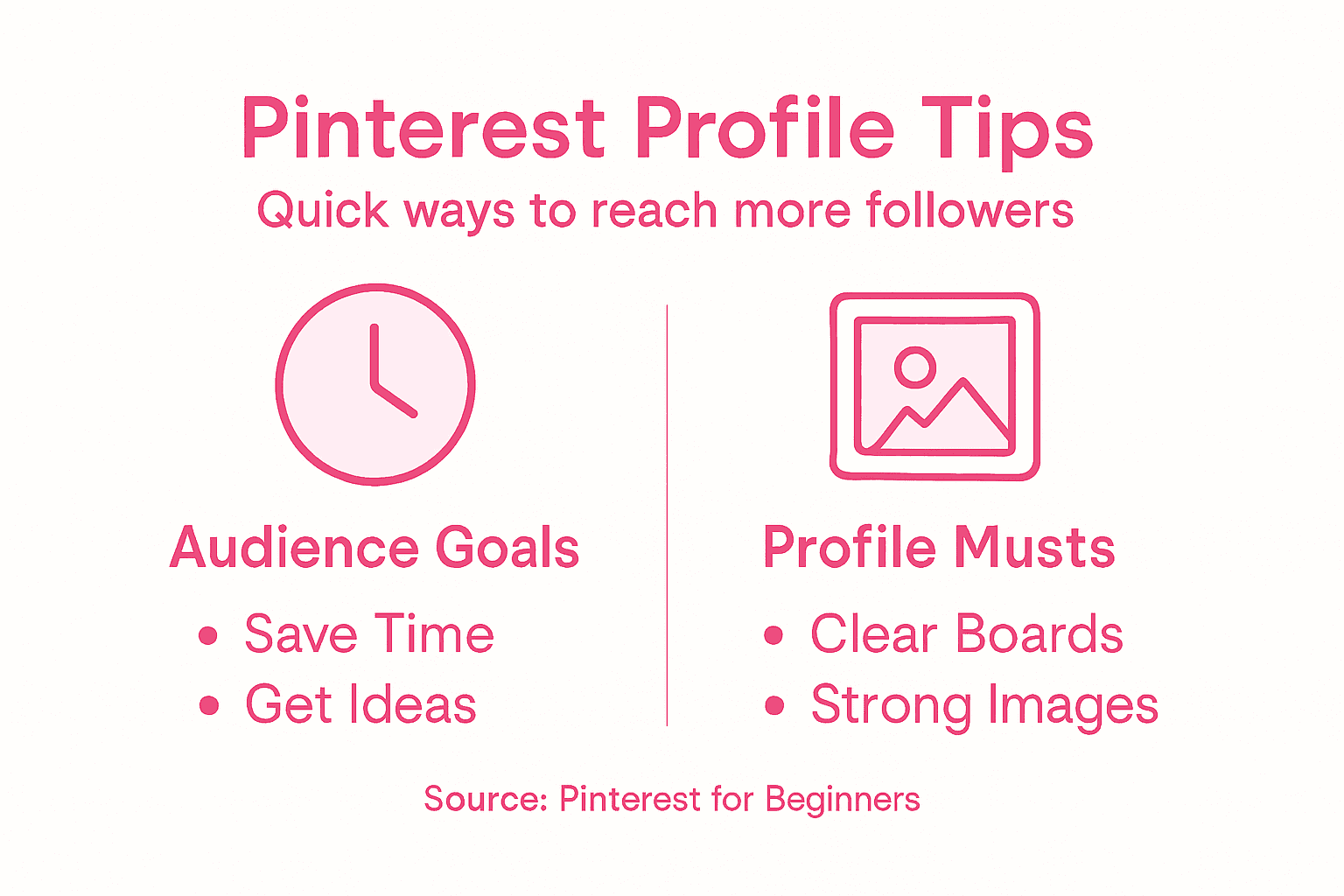
Organizing boards and pins strategically can dramatically increase your profile’s appeal. Create boards with clear, descriptive names that immediately communicate your expertise. Instead of generic titles like ‘Home Organization’, try specific themes like ‘Small Space Solutions for Busy Families’ or ‘Playroom Makeovers Under $100’. Arrange your boards thoughtfully, placing your most compelling and targeted content front and center. This approach helps potential followers instantly understand the unique value you bring to their organizational challenges.
Pro tip: Review your profile analytics monthly to understand which boards and pins resonate most with your target audience and adjust your strategy accordingly.
Step 4: Design and Organize Your First Boards
Ready to transform your Pinterest profile from blank canvas to organizational inspiration central? Creating strategic boards is your opportunity to showcase your home management expertise and connect with parents seeking practical solutions.
Creating focused Pinterest boards requires thoughtful planning and creativity. Start by brainstorming board themes that directly address your target audience’s challenges. For busy parents, consider boards like ‘Quick Meal Prep for Chaotic Mornings’, ‘Playroom Organization Hacks’, or ‘Small Space Storage Solutions’. Your board titles should be specific and compelling – think about the exact problems your ideal client wants solved.
Managing boards effectively means more than just creating categories. Choose eye catching cover images that represent each board’s theme professionally. Arrange your boards strategically with your most compelling content at the top. This helps visitors instantly understand your expertise and approach to home organization. Mix practical tutorials with inspirational content to keep your audience engaged and returning to your profile for more solutions.
Pro tip: Aim to create at least 5-7 boards initially, with a mix of broad and niche organizational topics to demonstrate your comprehensive expertise.
Consider these board ideas and their purpose when planning your Pinterest strategy:
| Board Theme | Main Goal | Ideal Audience |
|---|---|---|
| Quick Meal Prep | Simplify morning routines | Busy parents |
| Playroom Organization Hacks | Improve family space efficiency | Parents with young children |
| Small Space Storage Solutions | Maximize limited areas | Apartment or townhouse owners |
| Minimalist Home Tips | Reduce clutter, increase calm | Working moms, new parents |
Step 5: Verify Your Website and Enable Rich Pins
Unlocking the full potential of your Pinterest business profile means verifying your website and supercharging your content with Rich Pins. These features are your secret weapons for building credibility and attracting more engaged followers in the home organization space.
Verifying your website with Pinterest might sound technical, but it is surprisingly straightforward. You will need to prove ownership of your website by adding a small meta tag or uploading an HTML file. This process opens up powerful analytics tools and signals to Pinterest that you are a legitimate business. For WordPress users, this verification can often be completed in just a few clicks.
Pinterest conversion tags can help you track how users interact with your content. Rich Pins are essentially supercharged pins that automatically pull information directly from your website. For home organization professionals, this means your pins can display real time details like blog post titles, descriptions, and author information. These enhanced pins look more professional and can significantly increase your click through rates by providing more context at a glance.
Pro tip: Use a WordPress plugin or your website developer to simplify the verification and Rich Pins setup process, saving you time and potential technical headaches.
Step 6: Review Analytics to Fine-Tune Your Strategy
Transforming your Pinterest presence from good to great requires more than just creating content. It means becoming a data detective who understands exactly what resonates with busy parents seeking home organization solutions.
Pinterest analytics provide crucial insights into your audience’s behavior and preferences. Dive into your analytics dashboard to uncover which pins generate the most engagement. Look for patterns in your top performing content. Are your minimalist storage solution pins getting more saves? Do tutorials about organizing kids spaces generate more clicks? These details tell a story about what your audience truly wants.
Marketing automation tools can help you track user interactions and refine your strategy. Pay attention to metrics like repin rates, click throughs, and audience demographics. Notice the times of day your content gets the most traction. Are working parents most active during early mornings or late evenings? Understanding these nuances allows you to schedule pins strategically and create content that speaks directly to your ideal client.
Pro tip: Schedule a monthly analytics review where you compare your current month’s performance against previous months to identify trends and continuously improve your Pinterest strategy.
Elevate Your Pinterest Strategy with Expert Home Organization Solutions
Setting up your Pinterest business account is a major step toward connecting with busy parents who need practical home organization tips. The challenge lies in making your profile truly stand out by defining a clear brand identity and crafting boards that speak directly to overwhelmed families seeking effective solutions. This article highlights the importance of strategic branding, targeted content, and analytics-driven improvements to build a vibrant Pinterest presence.
Don’t wait to turn your Pinterest momentum into a lasting home resource.
Frequently Asked Questions
How do I create a Pinterest business account?
To create a Pinterest business account, go to Pinterest and select the business account option. Fill in the necessary details, such as a professional email address and a memorable username that reflects your brand.
What should I include in my Pinterest profile description?
Your Pinterest profile description should highlight what makes your organizational approach unique, focusing on the specific challenges busy parents face. Be clear and concise, aiming for about 2-3 sentences that showcase your expertise and inviting tone.
How can I optimize my Pinterest profile for my target audience?
To optimize your Pinterest profile, tailor your content to address the specific needs of your ideal clients, such as overwhelmed parents. Organize your boards with descriptive titles that resonate with their challenges, and prioritize the most relevant topics for easy navigation.
What are Rich Pins and why should I enable them?
Rich Pins are enhanced pins that automatically pull information from your website, providing users with real-time details. Enable Rich Pins to improve the visibility and professionalism of your content, potentially increasing your click-through rates by providing more context at a glance.
How often should I review my Pinterest analytics?
Review your Pinterest analytics at least once a month to track your performance and understand which content resonates best with your audience. Use this data to refine your strategy, adjusting your content and scheduling based on audience engagement patterns.
What types of boards should I create for my business account?
Create boards that directly address the specific challenges faced by your target audience, such as ‘Quick Meal Prep for Chaotic Mornings’ or ‘Playroom Organization Hacks.’ Aim for at least 5-7 initial boards to demonstrate a comprehensive range of your expertise and keep your audience engaged.
Recommended
- How to Start a Mom Blog in 2026: A Step-by-Step Guide for Beginners – It’s a Southern Life Ya’ll
- starting a blog – It’s a Southern Life Ya’ll
- How to Make Pinterest Pins for Organized Family Homes – It’s a Southern Life Ya’ll
- 10 Profitable Mom Blog Niches for 2026 Success – It’s a Southern Life Ya’ll
- Instagram business cards | Transparent instagram cards – BcardsCreation
Want a little more help with this? My SEO Content Pro Strategist GPT takes what we talked about here and walks you through it, step by step.