How to Make Pinterest Pins for Organized Family Homes
Did you know that over 70 percent of Pinterest users turn to the platform for practical tips on home organization? With so many families searching for fresh ways to tame daily clutter, well-designed pins can turn your organizing ideas into popular, shareable content. By following proven steps for inspiration, design, branding, and strategy, you can create Pinterest pins that truly stand out to families eager to create an organized and inviting home.
Quick Summary
| Key Point | Explanation |
|---|---|
| 1. Set clear pin goals | Define the purpose of each pin to guide your design and messaging. |
| 2. Use high-quality visuals | Create eye-catching pins with vertical images for better engagement. |
| 3. Maintain consistent branding | Use a unified color palette and fonts for brand recognition on Pinterest. |
| 4. Optimize descriptions for SEO | Include relevant keywords and a call-to-action in pin descriptions. |
| 5. Analyze and adjust performance | Use analytics to track engagement and refine your pins for better results. |
Table of Contents
- Step 1: Gather Inspiration And Set Clear Pin Goals
- Step 2: Design Eye-Catching Pins With Family Appeal
- Step 3: Apply Branding Elements For Recognition
- Step 4: Optimize Pin Descriptions For Search Visibility
- Step 5: Schedule And Publish Pins For Consistent Reach
- Step 6: Track Performance And Refine Future Pins
Step 1: Gather inspiration and set clear pin goals
Creating amazing Pinterest pins for your organized family home starts with understanding exactly what you want to achieve. Your goal is to design pins that not only look great but also connect with other families seeking home organization tips.
Start by exploring Pinterest and searching for home organization content that resonates with you. According to insights from Your Pin Coach, you want to focus on pins that generate engagement signals like saves and longer site visits. This means looking for pins that truly help families solve real organization challenges.
Before designing your first pin, do some keyword research right inside Pinterest’s search bar. Research from Geek Champ suggests using Pinterest Trends to identify exactly what terms families are searching for. Want to know if “kitchen organization” or “pantry storage” will get more attention? This research will help you target your content precisely.
Pro Tip: Create a mini series of related pins around one theme. This helps Pinterest understand your content and can boost your visibility.
Think about specific goals for each pin. Are you aiming to get more saves? Drive traffic to your website? Provide quick organizational tips? Having a clear purpose will guide your design and messaging.
Your next step is gathering visual inspiration and planning your pin design strategy. Get ready to transform those organizational ideas into eye catching Pinterest graphics that other families will love saving and sharing.
Step 2: Design eye-catching pins with family appeal
Now that you have your inspiration and goals mapped out, it is time to transform those ideas into visually stunning Pinterest pins that grab attention and speak directly to families seeking organization solutions.
According to research from Geek Champ, creating scroll-stopping pins starts with high-quality vertical images. Aim for a 2:3 ratio which works perfectly on Pinterest platforms. Think clean designs with plenty of white space that make your organizational tips pop right off the screen.
Your pin design should tell a story at a glance. Mad Pin Media recommends crafting titles that combine a primary keyword with a clear benefit. For example, instead of just saying “Kitchen Organization,” try “5 Minute Kitchen Organization Hacks for Busy Families” which instantly communicates value and urgency.
Pro Tip: Use consistent colors and fonts that match your brand or personal style. This helps create recognizable pins that feel professional and trustworthy.
When adding text overlays, keep things readable and concise. Your goal is to communicate your organizational tip quickly. Use large, clear fonts that are easy to read on mobile devices where most Pinterest browsing happens.
Remember that Pinterest is a visual platform. Choose images that showcase real transformations or clever organization solutions. Before and after pictures of cluttered spaces becoming organized can be incredibly compelling for families looking for practical help.
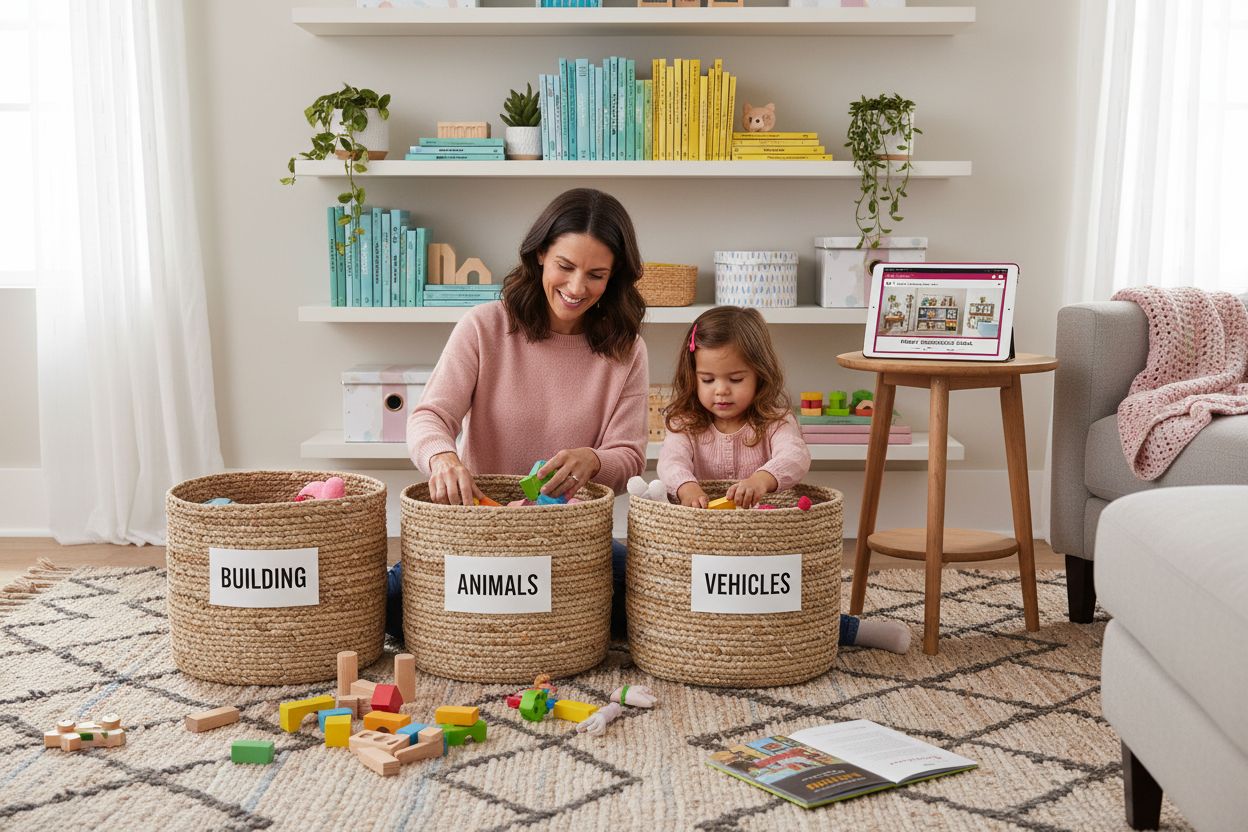
Next, you will learn how to optimize your pin descriptions and add the right keywords to help your content get discovered by families searching for home organization inspiration.
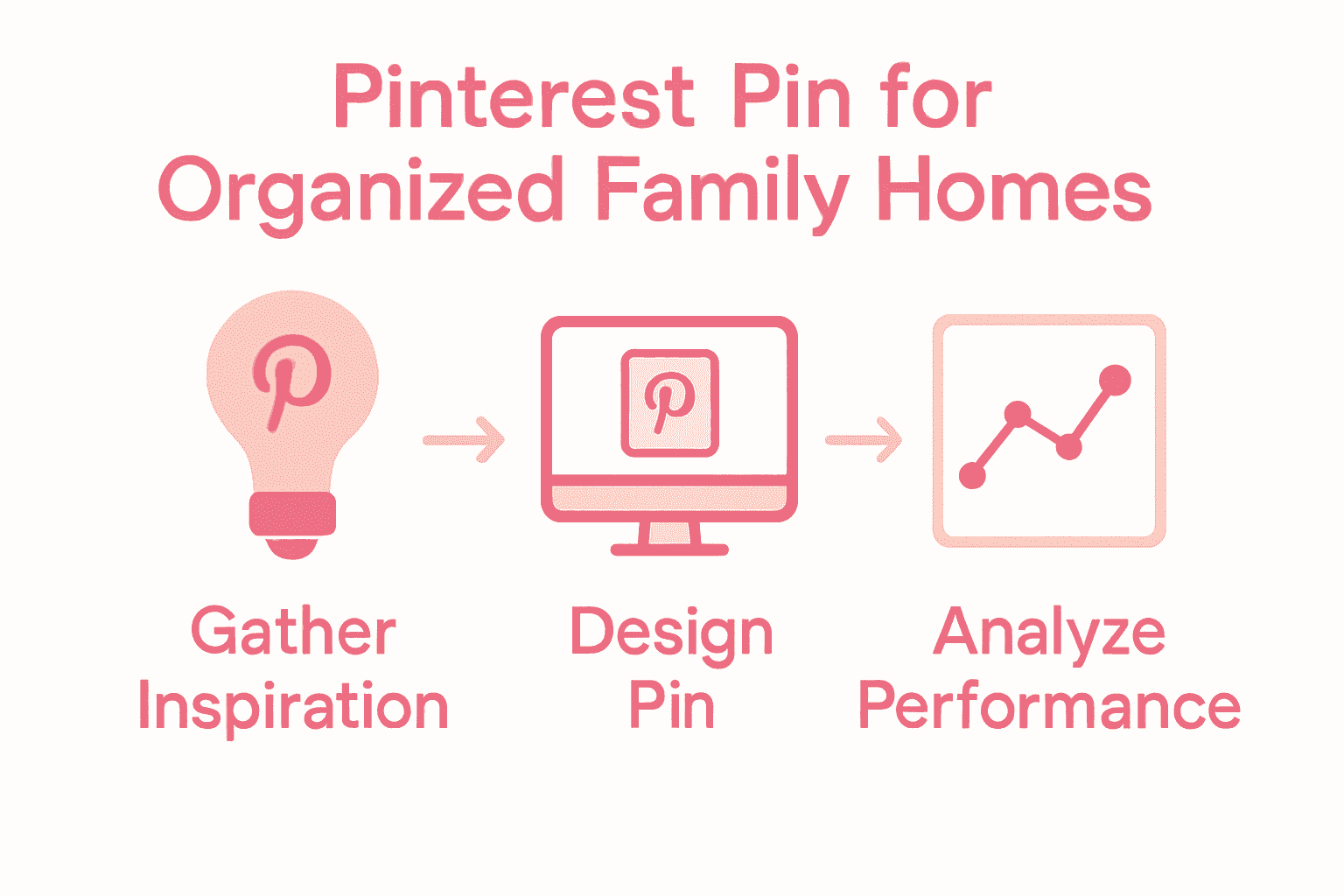
Here’s a summary of best practices for eye-catching family-friendly pins:
| Design Element | Best Practice | Why It Works |
|---|---|---|
| Image Size | 2:3 vertical ratio High resolution |
Optimized for Pinterest feed |
| Font Use | Large, clear, brand-consistent fonts | Readable on mobile devices |
| Color Palette | Consistent colors 3-4 complementary |
Builds instant brand recognition |
| Text Overlay | Concise tips Headline + benefit |
Communicates value at a glance |
| Imagery | Before & after Real transformations |
Compels & builds trust with families |
Step 3: Apply branding elements for recognition
Building a recognizable Pinterest presence means creating a visual style that feels uniquely yours. Your pins should instantly tell viewers they are looking at content from your brand even before they read a single word.
Research from Geek Champ emphasizes maintaining consistent visual style across all your pins. This means selecting a color palette that represents your family organization approach and sticking with it. Maybe you love soft neutrals that feel calm and inviting or bright energetic colors that signal efficiency.
Choose 3 to 4 colors that complement each other and represent your brand personality. Will your palette communicate warmth? Professionalism? Playful family energy? These color choices help families recognize your content instantly.
Pro Tip: Create a simple brand style guide for yourself with exact color codes and font selections to keep your pins looking professional.
Your font choices matter just as much as colors. Select 2 complementary fonts one for headlines and one for body text. Ensure they are easily readable on mobile devices where most Pinterest browsing happens.
According to Geek Champ, vertical pins with subtle overlays and a consistent visual style help build trust. Think of your pins like a visual signature that families will start to recognize and seek out.
Next up you will learn how to optimize your pin descriptions to make sure your carefully crafted content gets discovered by families looking for organization inspiration.
Step 4: Optimize pin descriptions for search visibility
Writing pin descriptions is your secret weapon for helping families discover your amazing organizational content. Think of your description as a strategic roadmap that guides both Pinterest algorithms and potential readers to your pin.
According to insights from Everything Pinterest, you want to craft a short keyword-rich paragraph that speaks directly to family organization challenges. Aim to naturally weave in 2-3 long-tail keywords that describe exactly what your pin offers.
Research from Mad Pin Media suggests including main keywords plus related terms that real families might actually type into the search bar. For instance, instead of just saying “kitchen organization,” try something like “Simple kitchen organization strategies for busy families with young kids looking to reduce daily chaos.”
Pro Tip: Always end your description with a clear call-to-action that invites pinners to learn more, save the pin, or click through to your content.
When uploading your pin, do not forget about alt text. This often overlooked feature helps improve both accessibility and search visibility. Describe your image accurately and include a relevant keyword to help Pinterest understand your content.
Remember that authenticity matters more than keyword stuffing. Your description should sound natural and genuinely helpful to families seeking organization solutions. Write like you are talking to a friend who needs practical home management advice.
Next, you will discover how to track your pin performance and adjust your strategy for maximum family home organization inspiration.

Step 5: Schedule and publish pins for consistent reach
Creating amazing Pinterest content is only half the battle. The real magic happens when you strategically schedule your pins to reach families exactly when they are looking for organization inspiration.
According to Pinterest Business documentation, you can schedule pins up to 30 days in advance with some important flexibility. This means you can plan your content calendar and ensure a steady stream of organizational tips without being glued to your computer all day.
The scheduling process is straightforward. You can schedule up to 10 pins at a time and have the ability to edit crucial details like publish date, title, description, link, and board before the pin goes live. This gives you plenty of room to fine-tune your content and make sure everything looks perfect.
Pro Tip: Create a content calendar that mixes different types of organizational pins. Some focused on quick tips, others on full room transformations, and some highlighting specific family organization challenges.
Timing matters when scheduling pins. Think about when families are most likely to be searching for home organization content. Weekend mornings? Late evening after kids are asleep? Experiment with different posting times to see when your audience engages most.
Remember that consistency is key. Regular pinning signals to the Pinterest algorithm that you are a reliable source of valuable content. Aim to schedule pins several times a week to maintain visibility and keep your audience engaged.
With your pins now scheduled, you are ready to track their performance and understand how families are discovering and using your organizational content.
Step 6: Track performance and refine future pins
Now that your pins are out in the world, it is time to become a data detective and understand what resonates with families seeking organization solutions. Your Pinterest Analytics dashboard is about to become your new best friend.
Outfy recommends diving deep into your analytics to identify which pins are driving the most traffic and engagement. Look beyond just view counts and focus on how your pins are actually helping families solve their organization challenges.
According to Your Pin Coach, Pinterest rewards pins that generate meaningful engagement. They specifically look at two key metrics: saves and long clicks. A long click means someone spends 30 or more seconds exploring your content. These are gold standard metrics that show your pin is truly helpful.
Pro Tip: Create a simple spreadsheet to track your top performing pins. Note what makes them successful like image style, color palette, or specific organization tip.
Don’t be afraid to refresh or entirely remake pins that are not performing well. Sometimes a small tweak in image, title, or description can dramatically improve your pin’s discoverability. Think of it like continuously organizing a home you never stop improving.
Pay attention to seasonal trends in family organization. What works in summer might differ from winter content. Your analytics will help you understand these nuanced shifts in audience interest.
By consistently tracking and adapting your Pinterest strategy, you will create a powerful platform for sharing family organization inspiration that truly helps other families create peaceful, organized spaces.
Turn Your Family Organization Pins into Real-Life Success
If creating beautiful Pinterest pins is just the start and you want your home to actually reflect those organized spaces, you are not alone. Many families feel frustrated when inspiration from Pinterest does not lead to real results. This article explored important pain points like streamlining routines, tackling clutter, and making family-friendly organization easy to find. The next challenge is transferring those pin-perfect ideas into daily habits and manageable systems.
Ready to transform inspiration into action? Unlock exclusive organization hacks and simple living strategies that solve your very real family struggles. Start today so your next Pinterest pin is not just eye-catching, but a true reflection of the peaceful, organized space your family deserves.
Frequently Asked Questions
How do I create Pinterest pins that appeal to families looking for organization tips?
To create appealing Pinterest pins for families, focus on high-quality images with a 2:3 vertical ratio and a clean design. Use concise headlines and benefit-driven text to communicate value, such as “5 Minute Kitchen Organization Hacks for Busy Families.”
What are effective keywords for Pinterest pins about home organization?
Effective keywords for home organization Pinterest pins include phrases like “kitchen organization tips” or “family closet solutions.” Conduct keyword research using Pinterest’s search bar to find terms that resonate with what families are actively searching for.
How can I maintain a consistent brand style across my Pinterest pins?
To maintain a consistent brand style, choose a color palette of 3-4 complementary colors and select 2 readable fonts—one for headlines and one for body text. Create a simple brand style guide with your color codes and font choices to ensure all your pins look cohesive.
What should I include in my pin descriptions to improve search visibility?
Include a short, keyword-rich paragraph in your pin description that speaks to family organization challenges. Aim to feature 2-3 long-tail keywords naturally and conclude with a clear call-to-action, inviting users to learn more or save your pin.
How can I effectively schedule my Pinterest pins for maximum engagement?
Schedule your Pinterest pins to publish up to 30 days in advance, ensuring a steady stream of content. Consider times when families might be browsing, such as weekend mornings or late nights after kids are asleep, and experiment with different publishing times for optimal engagement.
How can I track the performance of my Pinterest pins?
Track your pin performance by analyzing metrics like saves and long clicks using Pinterest Analytics. Keep a simple spreadsheet to note your top-performing pins and understand what elements contribute to their success, so you can refine your strategy each month.