

Pinterest for Bloggers: How I Grew My Traffic to 30K Monthly Views
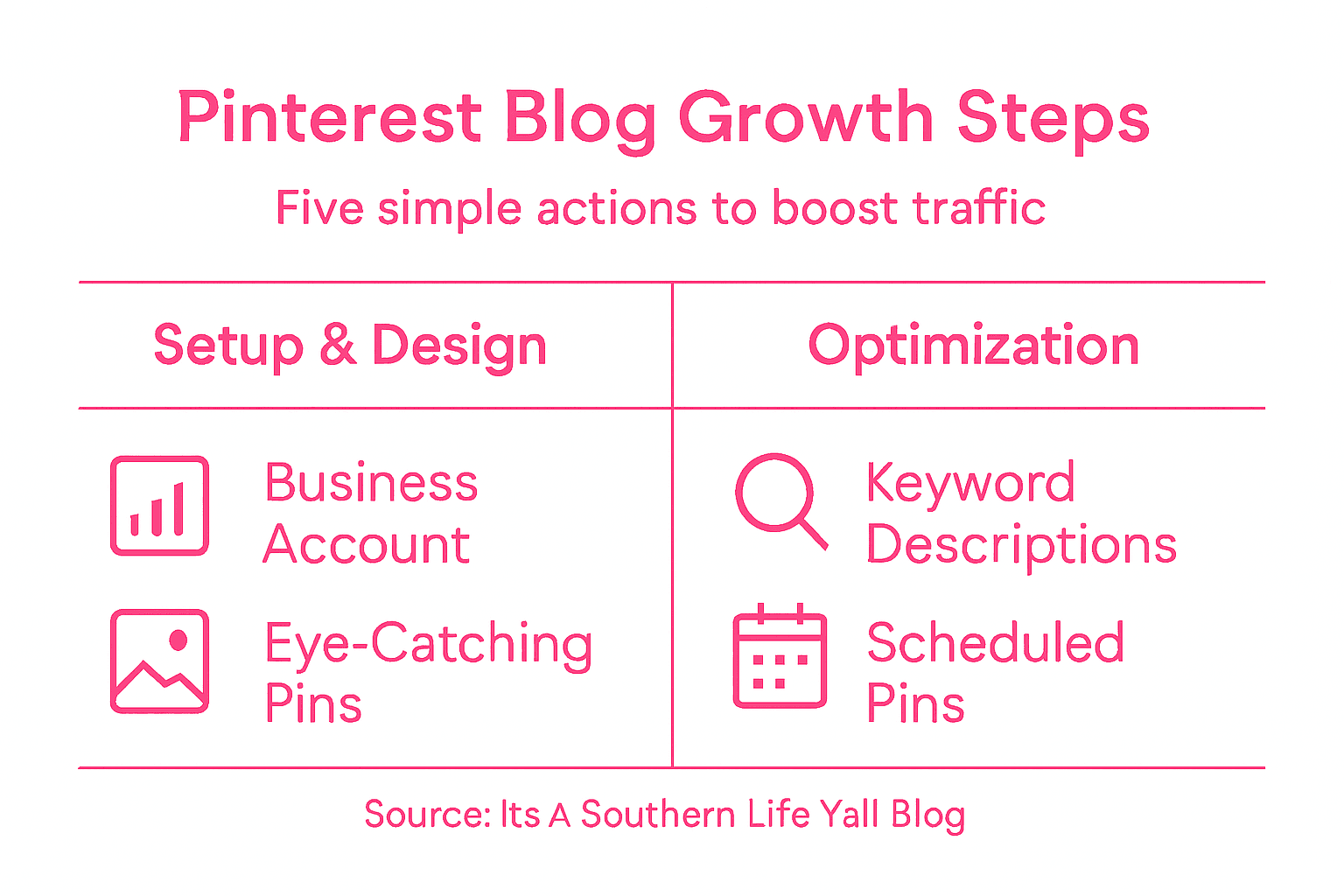
Juggling family life and a growing blog can leave even the most organized moms searching for smart ways to reach new readers. Pinterest is more than inspiration boards for home makeovers—it is a powerful tool that can drive steady, targeted visitors straight to your content. By setting up a Pinterest Business Account and designing eye-catching pins, you can turn your creativity and expertise into consistent monthly traffic and an engaged community.
Table of Contents
- Step 1: Set Up A Pinterest Business Account
- Step 2: Design Eye-Catching Pins For Your Blog
- Step 3: Optimize Pin Descriptions With Keywords
- Step 4: Schedule Pins Consistently For Maximum Reach
- Step 5: Track Analytics To Improve Your Strategy
Quick Summary
| Key Point | Explanation |
|---|---|
| 1. Create a Pinterest Business Account | Setting up a business account grants access to advanced tools that enhance your blog’s visibility and audience engagement. |
| 2. Design Attractive Pins | Eye-catching pins that follow design principles can significantly increase traffic by capturing the attention of your audience. |
| 3. Optimize Pin Descriptions with Keywords | Use relevant keywords in your pin descriptions to improve search visibility and attract the right audience to your content. |
| 4. Schedule Pins Consistently | Regularly scheduling pins helps maintain visibility, engaging your audience at optimal times throughout the day. |
| 5. Monitor Analytics for Improvement | Tracking performance metrics allows you to refine your strategy and identify which content resonates most with your audience. |
Step 1: Set Up a Pinterest Business Account
Let’s transform your Pinterest profile into a powerful traffic-driving machine for your blog. Setting up a Pinterest Business Account gives you access to advanced marketing tools that can dramatically boost your online visibility and engagement.
To get started, visit Pinterest and click on the “Create Account” button. Then, select the business account option instead of a personal profile. This strategic choice unlocks critical features like advanced marketing analytics that help you track and understand your audience’s preferences.
Here are the key steps to create your business account:
- Go to Pinterest.com and select “Sign Up”
- Choose “Create a Business Account”
- Enter your business email address
- Select your business category (for bloggers, choose “Blogger” or “Content Creator”)
- Upload a professional profile picture (your headshot or blog logo)
Once your account is set up, you’ll gain access to Pinterest’s powerful business tools designed to help bloggers like you drive targeted traffic. Complete your profile with a compelling bio that describes your blog’s niche and value proposition.
Here’s a quick comparison of Pinterest account types and their business advantages:
| Account Type | Access to Analytics | Branding Tools | Best Use Case |
|---|---|---|---|
| Personal Account | Limited insights | Basic customization | Casual pinning |
| Business Account | Advanced analytics | Logo, profile tools | Driving blog traffic, ads |
| Creator Account | Some analytics | Enhanced features | Influencers, high growth |
Pro Tip: Use a high-quality, recognizable profile image that represents your brand and makes your account look professional and trustworthy.
Step 2: Design Eye-Catching Pins for Your Blog
Transforming your blog content into visually stunning Pinterest pins is crucial for driving traffic and grabbing your audience’s attention. Graphic design principles can turn ordinary blog post images into scroll-stopping visual content that attracts potential readers.
To create compelling pins, start with these essential design strategies:
- Choose high-quality, relevant images that represent your blog post
- Use bright, consistent color palettes that match your brand
- Create vertical images with 2:3 or 1:3.5 aspect ratios (ideal for Pinterest)
- Select clear, readable fonts that are legible even on small screens
- Add text overlay that teases the blog post content
- Include your blog’s logo or watermark for brand recognition
Tools like Canva offer user-friendly templates that make professional pin design accessible, even for those without advanced graphic design skills. Experiment with different designs and track which pins generate the most engagement.
Pinterest is a visual platform where design can make or break your traffic potential.
Focus on creating pins that not only look beautiful but also clearly communicate the value of your blog content. Use compelling headlines and imagery that tells a story at a glance.

Pro Tip: Always create multiple pin designs for each blog post to test which visual style resonates most with your audience.
Step 3: Optimize Pin Descriptions with Keywords
Boost your Pinterest visibility by mastering the art of strategic keyword optimization. Keyword research techniques can dramatically improve how often your pins appear in search results and attract your target audience.
When crafting pin descriptions, follow these essential keyword strategies:
- Research long-tail keywords specific to your blog niche
- Use keywords naturally within the first 100 characters
- Include 3-5 relevant keywords that describe your content
- Avoid keyword stuffing – keep descriptions readable and engaging
- Incorporate location-based keywords if relevant to your content
- Match keywords to the actual content of your blog post
Pinterest’s algorithm rewards descriptive, keyword-rich pin descriptions that provide genuine value to users.
Think like your potential readers when selecting keywords. Consider the exact phrases they might type when searching for content similar to your blog post. This means understanding your audience’s language and search habits.
Pinterest allows up to 500 characters in pin descriptions, but the first 100-150 characters are most critical for catching users’ attention and improving searchability. Prioritize clarity and relevance in your keyword selection.
Pro Tip: Use Pinterest’s search bar to discover popular keyword variations and trending search terms in your specific blog niche.
Step 4: Schedule Pins Consistently for Maximum Reach
Mastering Pinterest’s algorithm requires a strategic approach to content scheduling. Consistent pinning is the secret sauce that transforms your profile from passive to powerhouse, ensuring your content reaches more eyes at the right moments.
Develop a content calendar that keeps your pinning strategy organized and intentional:
- Aim to pin 5-10 high-quality pins daily
- Spread pins across different boards throughout the day
- Use scheduling tools like Tailwind to automate pin distribution
- Plan content at least one week in advance
- Mix new blog pins with older evergreen content
- Create pins for multiple boards targeting different audiences
Consistent pinning signals to Pinterest’s algorithm that you’re an active, valuable content creator.
Timing matters as much as frequency. Analyze your audience insights to discover when your followers are most active online. This helps you schedule pins during peak engagement windows, maximizing potential views and interactions.
Avoid dumping all your pins at once. Instead, distribute your content strategically throughout the day to maintain a steady stream of visibility. Track your pin performance regularly and adjust your schedule based on what generates the most engagement.
Pro Tip: Experiment with different pinning times and frequencies, but always maintain a consistent baseline of daily activity.
Step 5: Track Analytics to Improve Your Strategy
Understanding your Pinterest performance is like having a roadmap to blog traffic success. Social media analytics reveal the hidden patterns that can transform your pinning strategy from guesswork to precision.
Focus on these critical metrics to measure your Pinterest performance:
Use this summary to track essential Pinterest analytics that can improve your blog’s growth:
| Metric | What it Shows | Strategic Benefit |
|---|---|---|
| Monthly Viewers | Overall audience reach | Identify growth trends |
| Pin Impressions | How often pins are seen | Spot high-performing visual styles |
| Click-Through Rate | Pin conversion to blog visits | Reveal content that drives traffic |
| Saves and Shares | Engagement by users | Amplifies your brand presence |
- Total monthly viewers
- Impressions per pin
- Link click-through rates
- Saves and shares
- Top performing pins and boards
- Audience demographics
- Traffic sources
Data doesn’t lie – your analytics tell the real story of your Pinterest growth.
Dive into Pinterest Analytics by accessing the dashboard on your business account. Look beyond surface-level numbers and identify trends that indicate what content truly resonates with your audience. Are certain pin styles generating more engagement? Do specific topics drive more traffic?
Consistent tracking allows you to continuously refine your strategy. Experiment with different pin designs and monitor how they perform. Some pins might surprise you by outperforming what you initially expected.
Pro Tip: Review your analytics monthly and make at least three strategic adjustments based on the data you uncover.
Unlock Your Blog’s Full Potential with Proven Organization and Productivity Strategies
Growing your blog traffic to 30K monthly views on Pinterest takes more than just creating beautiful pins and using the right keywords. The real challenge lies in managing your time effectively, maintaining consistent content schedules, and staying organized to keep up with Pinterest’s algorithm demands. If you struggle with balancing these tasks while running a busy life, you are not alone. Achieving that traffic growth means overcoming common pain points like inefficient content planning, scattered resources, and inconsistent posting habits.
At Its A Southern Life Yall, we understand how crucial a solid system is for bloggers aiming to thrive on Pinterest and beyond. Our blog offers simple living strategies, time management tools, and home management systems designed to help you streamline your daily routine. By applying our proven organization hacks, you can create focused work sessions and build a sustainable pinning schedule that aligns perfectly with Pinterest’s recommendation for consistent activity. Dive into resources that help you master content scheduling and tracking analytics to turn your blog into a powerful traffic magnet.
Ready to take control and see your blog traffic soar? Explore practical advice and tools now at Its A Southern Life Yall and start transforming your blogging journey today.
Frequently Asked Questions
How can I set up a Pinterest Business Account?
To set up a Pinterest Business Account, visit Pinterest.com and click on the “Create Account” button. Select the business account option, enter your business email, choose your business category, and upload a profile picture to unlock valuable marketing tools.
What image dimensions should I use for Pinterest pins?
Use vertical images with an aspect ratio of 2:3 or 1:3.5 for your Pinterest pins. This format is ideal for attracting attention and increasing engagement, helping you stand out in users’ feeds.
How often should I pin content to grow my traffic?
Aim to pin 5-10 high-quality pins daily to maximize your reach on Pinterest. Distribute your pins throughout the day to maintain visibility and avoid overwhelming your audience.
What are the best practices for writing pin descriptions?
In your pin descriptions, include 3-5 relevant keywords naturally in the first 100 characters. This improves visibility in search results and engages users, making it easier for them to find your content.
How should I track my Pinterest analytics for improvement?
Access the analytics dashboard on your Pinterest Business Account to monitor key metrics such as monthly viewers and click-through rates. Review your data monthly and make at least three adjustments based on what resonates most with your audience.
Recommended
- How to Use Pinterest Group Boards to Explode Your Blog Traffic – It’s a Southern Life Ya’ll
- Tools You Can Use To Pin on Pinterest for Maximum Engagement 2026 – It’s a Southern Life Ya’ll
- How to Start a Family Blog for Busy Parents in 2026 – It’s a Southern Life Ya’ll
- Pinterest for Beginners: Setting Up Your Business Account for Success – It’s a Southern Life Ya’ll
- 3 Mistakes You’re Probably Making That Are Blocking Your Growth
Want the done-for-you version? The Blog Starter covers the setup that has to be right before the traffic shows up.